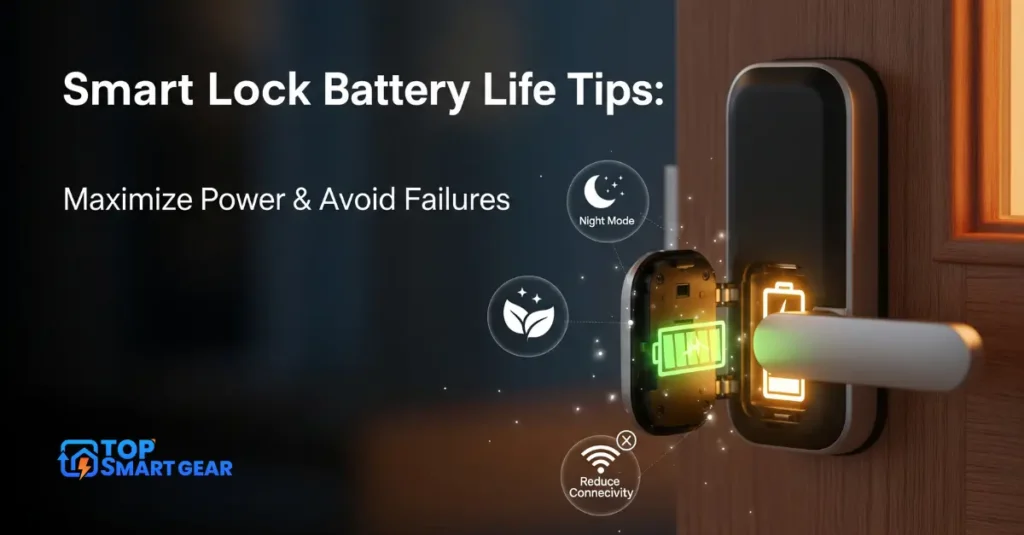
Are you tired of your smart lock dying at the worst possible moment? Without following smart lock battery life tips, sudden battery drain can leave you locked out or scrambling for replacements.
But what if you could make your smart lock’s battery last longer and avoid those frustrating surprises? You’ll discover simple, effective tips to extend your smart lock’s battery life. Keep reading to protect your home and enjoy peace of mind every day.

Credit: www.lockeydigital.co.uk
Choosing The Right Batteries
Choosing the right batteries for your smart lock is an important part of smart lock battery life tips. Using the proper power source helps prevent sudden lockouts, reduces the need for frequent battery changes, and ensures your lock stays active and reliable for a long time.
Smart locks need batteries that provide steady and reliable power. Not all batteries are equal in how long they last or how well they perform. Understanding different battery types and options can help you pick the best one for your device.
Battery Types And Performance
Smart locks usually use AA or AAA batteries. Alkaline batteries are common and affordable. They work well but drain faster under heavy use.
Lithium batteries last longer and handle cold weather better. They cost more but offer better performance. Some smart locks support lithium-ion batteries for longer life.
Rechargeable Vs Disposable Options
Rechargeable batteries save money over time. You can recharge them many times before replacement. They offer good power but may need a charger nearby.
Disposable batteries are easy to swap out anywhere. They are useful if you don’t want to wait for charging. Choose high-quality disposables for longer use.
Brands That Last Longer
Some brands provide better battery life for smart locks. Duracell and Energizer are trusted names. They offer consistent power and longer shelf life.
Brands like Panasonic and AmazonBasics also have good reviews. Choosing well-known brands helps avoid early battery failure. Always check the battery type your lock requires.
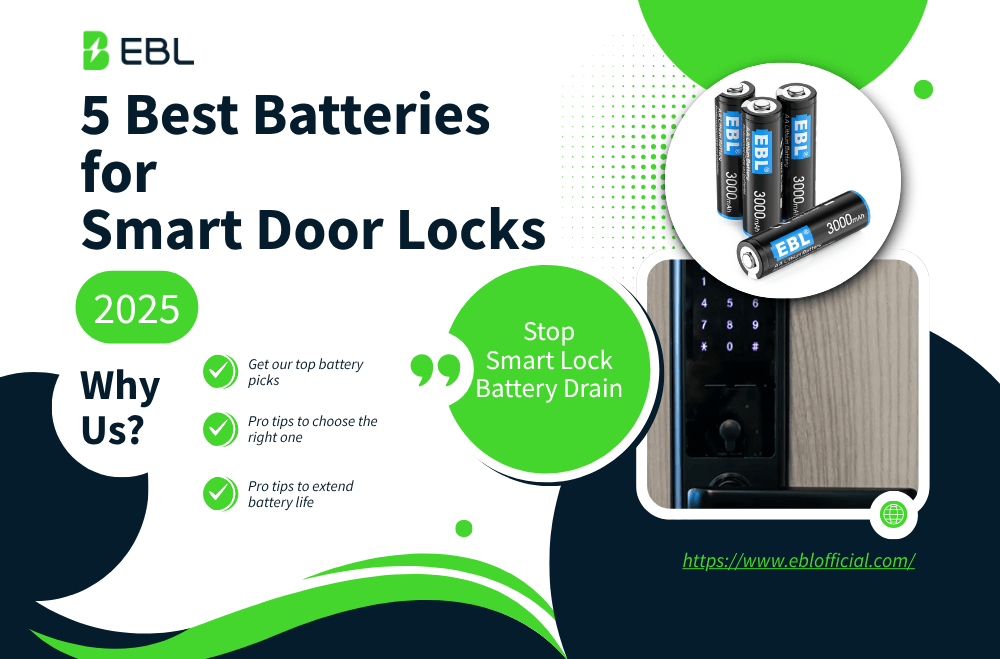
Credit: www.eblofficial.com
Installation Best Practices
Proper installation is crucial for smart lock battery life. Following best practices helps the battery last longer. It also ensures the smart lock works without interruptions. Small mistakes during installation can cause battery drain or damage.
Focus on correct battery placement, avoid corrosion, and secure all connections. These steps protect your smart lock and extend its battery life. Let’s explore each of these points in detail.
Proper Battery Placement
Place batteries exactly as shown in the manual. Insert the positive and negative ends in the right direction. Wrong placement causes quick battery drain or device failure. Use fresh batteries, not old or used ones. Avoid mixing different brands or battery types. This keeps power steady and safe.
Avoiding Corrosion And Damage
Keep the battery compartment clean and dry. Moisture leads to corrosion, which blocks power flow. Check batteries regularly for leaks or rust. Clean contacts gently with a dry cloth if needed. Replace batteries at the first sign of damage. Corrosion reduces battery life and may harm the lock.
Ensuring Secure Connections
Make sure battery contacts touch firmly and fully. Loose connections cause power loss and erratic lock behavior. Press batteries down gently to fit snugly. Avoid forcing batteries, which can damage contacts. Double-check the compartment before closing the lock. Secure connections keep power steady and efficient.
Optimizing Smart Lock Settings
Optimizing your smart lock settings is one of the most effective smart lock battery life tips. Small adjustments in how your lock operates can reduce power consumption, leading to fewer battery replacements and more reliable performance. Focus on settings that control energy use, turn off features you don’t need, and set timers to manage when your lock stays active. These steps help save energy without compromising convenience.
Adjusting Power Usage Modes
Many smart locks have power-saving modes. These modes limit background activity and sensor use. Choose a mode that fits your daily routine. Lower power modes use less battery but may slow response time. Test different modes to find the right balance. Use power-saving mode during long periods of low use. This simple change can extend battery life by weeks.
Disabling Unnecessary Features
Smart locks come with many features that may not be needed. Turn off features like Wi-Fi or Bluetooth when not in use. Disable notifications that update too often. Each active feature draws extra power. Review your lock’s settings to find options you can switch off. Less active technology means less battery drain. Only keep features that improve your lock’s function.
Scheduling Auto-lock Timers
Auto-lock timers control how long the lock stays open. Set timers to lock doors quickly after use. Shorter auto-lock times reduce the lock’s active state. This reduces battery use by limiting motor runs. Adjust timers based on your lifestyle and security needs. A well-timed auto-lock saves energy and keeps your home safe.
Credit: xeno.com.sg
Regular Maintenance Checks
Regular maintenance checks keep your smart lock working well. They help extend battery life and avoid sudden failures. Checking your device often makes sure it stays reliable. Small actions can prevent big problems.
Monitoring Battery Levels
Check your smart lock’s battery level often. Many locks have apps that show battery status. Look for low battery warnings and replace batteries quickly. Do not wait for the lock to stop working. Timely replacement keeps your lock active and safe.
Cleaning Contacts And Components
Dirt and dust can block battery contacts. Clean the battery compartment gently with a dry cloth. Avoid water or harsh chemicals. Clean parts allow better power flow and longer battery life. Check screws and connections for tightness too.
Updating Firmware For Efficiency
Smart locks need software updates to run smoothly. Updates fix bugs and improve battery use. Use the lock’s app to check for updates regularly. Install updates as soon as they are available. Updated firmware helps save battery power.
Signs Of Battery Wear
Smart locks rely on battery power to work properly, and over time, batteries lose strength. Following smart lock battery life tips helps you recognize signs of battery wear, avoid lockouts, and prevent malfunctions. Watch for changes in how your smart lock responds—early detection keeps your lock reliable and secure.
Slow Response Times
When a smart lock battery wears out, it responds more slowly. You may notice delays when locking or unlocking. The lock might hesitate or take extra seconds. This lag signals low battery power. Acting quickly prevents complete lock failure.
Frequent Low Battery Alerts
Many smart locks send alerts when the battery level drops. Receiving these alerts often means the battery is nearly dead. Ignoring alerts risks losing remote access. Replace batteries promptly to maintain smooth operation.
Unusual Lock Behavior
Worn batteries can cause strange lock actions. The lock might unlock on its own or fail to lock properly. Buttons may stop working or become inconsistent. These issues often stem from weak batteries. Check battery status to fix these problems fast.
Emergency Power Solutions
Smart locks rely on batteries to work smoothly. Sometimes, the battery dies suddenly. This can leave you locked out or stuck. Emergency power solutions help you avoid this problem. They give your lock power when the main battery is dead. Knowing these options keeps your home safe and accessible.
Backup Battery Packs
Backup battery packs are small and easy to carry. You can connect them to your smart lock’s power port. These packs supply power to the lock temporarily. They keep the lock active during a battery failure. Always keep a charged backup pack nearby. It saves time and stress in emergencies.
Using External Power Sources
Some smart locks allow power from external sources. USB power banks or portable chargers can connect directly. This option provides power without opening the lock. External power sources extend the lock’s operation time. Carry a compatible charger to avoid lockouts. This method is quick and reliable during power loss.
Manual Key Overrides
Most smart locks include a manual key override. This allows physical unlocking without battery power. Keep the key in a safe, accessible place. This old-school option works when electronics fail. It ensures access even in total battery failure. A manual key is a simple and effective backup plan.
Frequently Asked Questions
How Can I Extend My Smart Lock Battery Life?
To extend battery life, use high-quality batteries and avoid extreme temperatures. Limit unnecessary lock usage and update firmware regularly. Clean the lock contacts and disable unused features to save power.
What are the best smart lock battery life tips to make batteries last longer?
Use high-quality batteries, check battery levels regularly, reduce notifications, lower screen brightness, and clean battery contacts to maximize battery life.
What Signs Indicate A Smart Lock’s Low Battery?
Common signs include slow response times, delayed locking/unlocking, and low battery alerts. Some smart locks beep or flash LEDs when batteries are low. Early replacement prevents lockouts and maintains security.
Which Batteries Work Best For Smart Locks?
Alkaline or lithium AA or AAA batteries are ideal. Lithium batteries last longer and perform better in extreme temperatures. Avoid rechargeable batteries unless the lock supports them.
How Often Should I Replace Smart Lock Batteries?
Replace batteries every 6 to 12 months, depending on usage. Heavy use may require more frequent changes. Always check the manufacturer’s guidelines for the specific battery lifespan.
Conclusion
Keeping your smart lock’s battery healthy saves time and reduces stress. By following smart lock battery life tips—such as checking batteries regularly, using high-quality batteries, lowering screen brightness, and reducing notifications you can prevent unexpected power loss. Gently cleaning battery contacts also improves performance. These small habits help your smart lock last longer and work reliably.
Stay aware of battery levels and act fast. A well-maintained smart lock means better security and peace of mind. Simple steps make a big difference. Your smart lock works best when you care for it.