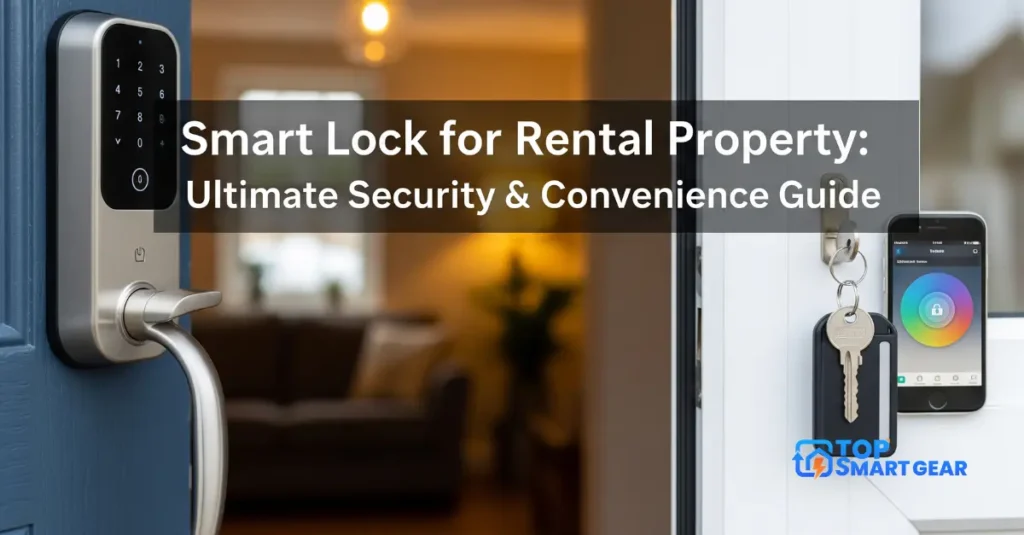
Quick answer on smart locks for renters: renters should choose a retrofit smart lock, which replaces only the inside thumb-turn of your deadbolt. The outside looks the same, your landlord’s keys still work, and you can put the original part back when you move. The August Wi-Fi Smart Lock is the best pick. The Aqara U200 adds a fingerprint reader and keypad if you want keyless entry. Always ask your landlord first.
How we put this guide together: written by Paban Bhuyan for TopSmartGear, using the makers’ specifications and published expert and owner reviews. This isn’t legal advice; check your lease. This is a research-based guide, not a hands-on test. Sources include the Connectivity Standards Alliance’s Matter overview. Read how we review.
Our picks for renters
| Lock | Why renters like it | Ways to unlock | Price |
|---|---|---|---|
| August Wi-Fi Smart Lock | Fits over your deadbolt inside; outside unchanged; keys still work | App, auto-unlock, voice, your key | Check current price |
| Aqara Smart Lock U200 | Retrofit with fingerprint and keypad; Matter | Fingerprint, keypad, app, your key | Check current price |
1. August Wi-Fi Smart Lock: best for most renters
Installation takes about 15 minutes with a screwdriver: remove the inside thumb-turn, attach the mounting plate and click the lock on. It has built-in Wi-Fi, so you can lock and unlock from anywhere and give friends or a dog walker temporary access. Auto-unlock opens the door as you arrive. An August keypad is an optional add-on.
2. Aqara Smart Lock U200: best keyless retrofit
The U200 also keeps your existing deadbolt, but adds a fingerprint reader and keypad on the outside, so you can leave your keys behind. It uses a rechargeable battery and Matter over Thread, so it works with Apple Home, Alexa and Google (you need a Thread border router such as a HomePod mini or Echo Dot Max).
Before you install: talk to your landlord
- Read your lease for rules about changing locks.
- Ask in writing and explain that a retrofit lock keeps the existing deadbolt and keys.
- Keep every original part in a labeled bag so you can restore the door on move-out.
- Give your landlord access if the lease requires it: their key still works with a retrofit lock.
When you move out
Remove the smart lock, screw the original thumb-turn back on, delete the lock from your app and remove any shared access. The whole job takes about 10 minutes.
More renter-friendly smart home ideas
Pair your lock with a battery video doorbell and smart lighting for renters, none of which need drilling into wiring. Comparing every lock? See our best smart locks.
Frequently asked questions
Can I put a smart lock on a rental?
Ask your landlord first. Retrofit locks like the August Wi-Fi Smart Lock fit over the inside of your existing deadbolt, so the outside key still works.
Does my landlord need access?
Many leases require it. Give them a code or keep their key working, and check your lease.
What should I do when I move out?
Remove the lock, reinstall the original thumb turn, factory reset the lock and remove it from your app.
Will a retrofit smart lock change my keys?
No. The outside cylinder and keys stay the same.