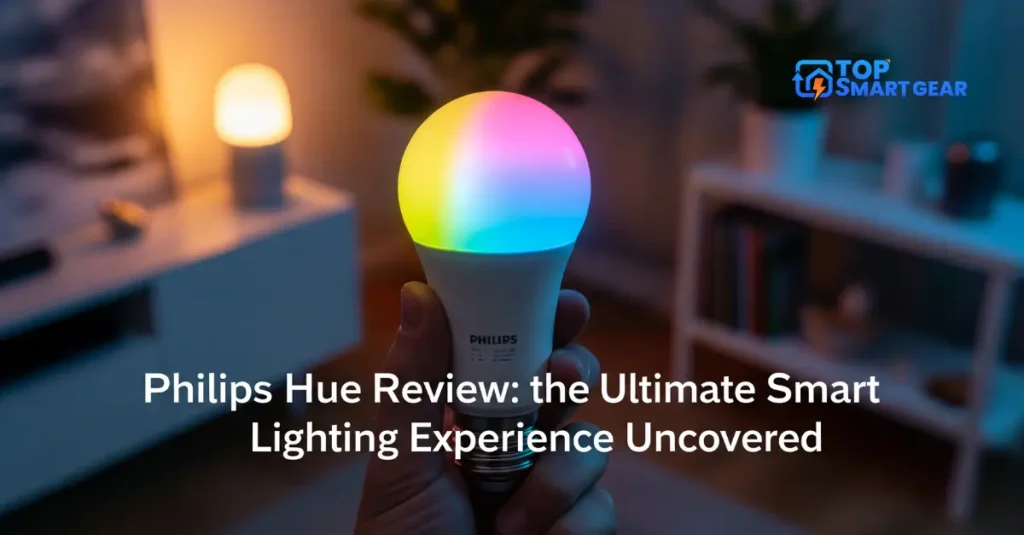
Are you ready to transform your home lighting with just a tap on your phone? Philips Hue promises to bring smart, vibrant light to every corner of your space.
But does it live up to the hype? In this Philips Hue review, you’ll discover how easy it is to control your lights, set the perfect mood, and even save energy. Whether you’re a tech newbie or a smart home enthusiast, this guide will help you decide if Philips Hue is the right choice for your home.
Keep reading to find out what makes it stand out—and what you should watch out for.
Credit: hueblog.com
Philips Hue System Components
The Philips Hue system offers a range of components to build smart lighting at home. Each part plays a unique role. Together, they create a seamless lighting experience. Understanding these parts helps you choose what fits your needs.
Bulbs And Fixtures
Philips Hue bulbs come in many shapes and sizes. They fit standard light sockets easily. You can pick from white or colored bulbs. Fixtures include lamps, light strips, and outdoor lights. All provide bright, adjustable light. Control brightness and color with your phone.
Bridges And Hubs
The Philips Hue Bridge connects bulbs to your home network. It allows remote control and voice commands. You can link up to 50 lights to one Bridge. The Bridge supports automation and schedules. It is a small, easy-to-set-up device.
Accessories And Sensors
Accessories improve your lighting system’s convenience. Motion sensors automatically turn lights on and off. Dimmer switches let you adjust brightness without a phone. Smart buttons offer quick control of scenes. These tools add comfort and ease to daily life.
Setup And Installation
Setting up Philips Hue lights is simple and fast. The installation process fits most homes without hassle. Each step guides users clearly to ensure smooth operation. The system works well for beginners and tech-savvy users alike.
Understanding the setup helps avoid common mistakes. It also makes the experience more enjoyable. The following sections break down the key parts of installation.
Initial Configuration
Start by unboxing the Philips Hue starter kit. In this Philips Hue Review, you’ll learn how to screw in the bulbs or place the light strips, then plug the Hue Bridge into your Wi-Fi router. The bridge connects your lights to the internet. Power on the bulbs and wait for them to light up.
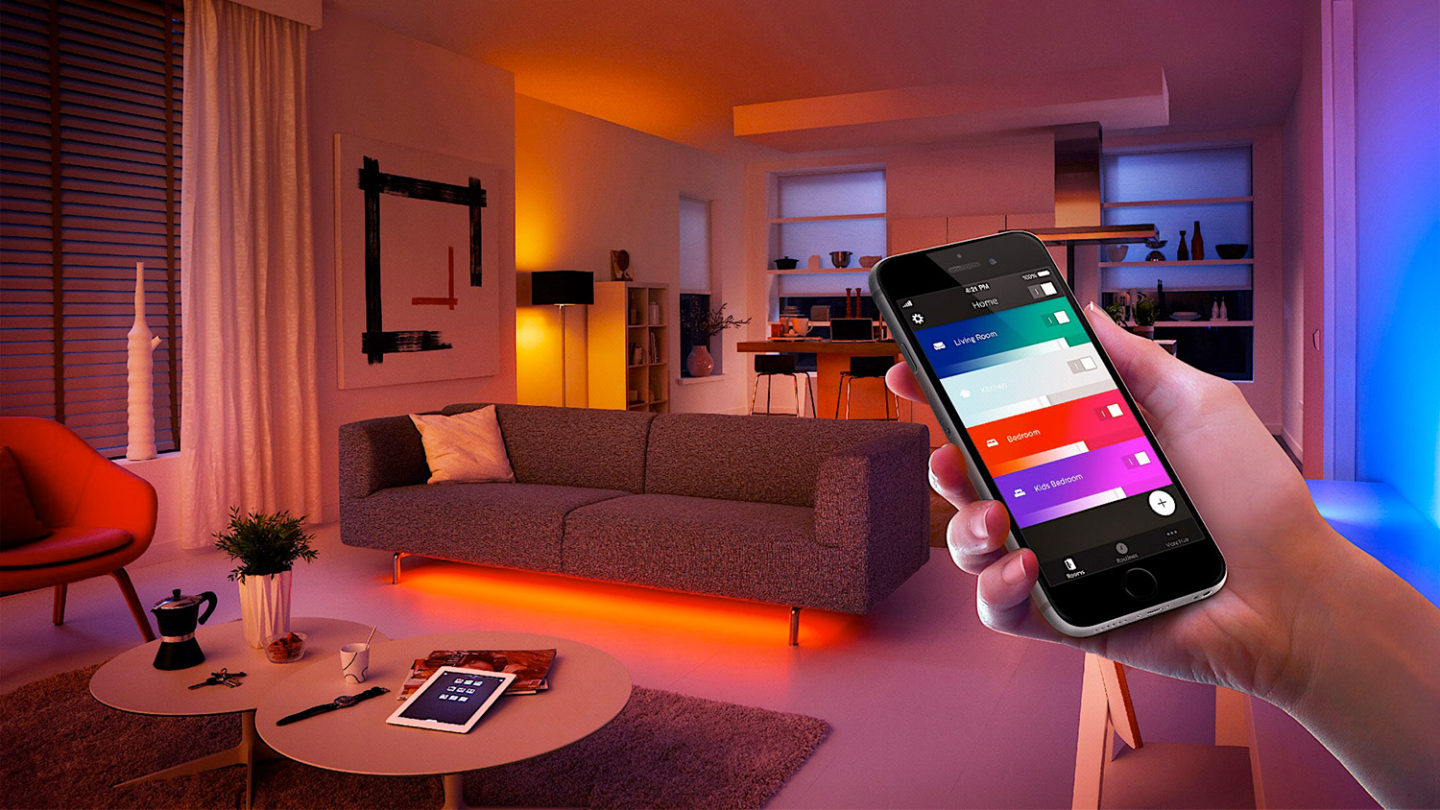
Download the Philips Hue app on your smartphone or tablet. Create an account or sign in. The app will automatically detect the bridge and lights. Follow the on-screen instructions to name each light. Group lights by room for easier control later.
App Integration
The Philips Hue app acts as your control center. Use it to turn lights on or off and change colors. Set schedules for lights to turn on at specific times. Explore preset scenes for different moods and activities. Easily customize scenes to fit your lifestyle.
The app updates regularly to improve features and security. It supports multiple users, so everyone in the house can control the lights. Remote access lets you manage lights outside your home.
Connecting To Voice Assistants
Philips Hue works with popular voice assistants like Alexa, Google Assistant, and Siri. Link your Hue account to the assistant’s app. Use simple voice commands to control your lights. Say “turn on the living room light” or “set bedroom to blue.”
Voice control adds convenience, especially when your hands are full. It also supports routines, letting you automate lights with your voice. Setup is quick and requires no extra hardware.
Features And Functionality
Philips Hue offers many features that make smart lighting easy and fun. It works well for homes and offices. You can control lights in many ways. The system fits many needs and styles.
Its features help create the right mood and save energy. The lights respond quickly to commands. You can change colors, brightness, and set schedules. The app and voice control add more convenience.
Color And Brightness Options
Philips Hue lights come in many colors. You can pick from millions of shades. The brightness adjusts from very dim to very bright. This makes rooms look perfect for any time.
The colors are clear and vibrant. You can choose warm or cool white lights. It suits reading, relaxing, or working. The lights change smoothly without flicker.
Scheduling And Automation
Set your lights to turn on or off automatically. You can create daily schedules easily. Lights can follow your routine perfectly. Wake up with soft light or sleep with dim glow.
The system works with your phone’s location. Lights turn off when you leave home. They turn on before you arrive. Automation saves energy and adds comfort.
Scenes And Routines
Create scenes that fit your mood or activity. Choose presets like movie night, party, or reading. Scenes change color and brightness together. You get the right light with one tap.
Routines let you plan light changes for the whole day. They help keep your body clock healthy. The app makes it simple to set and edit routines. Your home feels alive and smart.

Performance And Reliability
Philips Hue offers solid performance and reliability for smart lighting. The system works smoothly and stays stable over time. This section covers key aspects like connectivity, response time, and energy efficiency.
Connectivity And Range
Philips Hue uses Zigbee technology for communication. In this Philips Hue Review, we see how it creates a strong connection between bulbs and the bridge. The range covers most homes easily, but walls and furniture may reduce signal strength. Adding Hue bulbs extends the range by acting as repeaters.
Response Time
Hue lights respond quickly to commands. The delay between tapping a button and the light changing is minimal. This makes controlling lights feel natural and instant. Voice commands and app controls work with little lag. Quick response improves user experience and satisfaction.
Energy Efficiency
Hue bulbs use LED technology, which saves energy. They consume far less power than traditional bulbs. This reduces electricity bills over time. The bulbs last for thousands of hours without losing brightness. Efficient lighting means fewer replacements and a lower environmental impact.
Compatibility And Ecosystem
Philips Hue works well with many smart devices and platforms. This makes it easy to add Hue lights to your smart home setup. The system connects with popular voice assistants and apps. This creates a smooth and flexible lighting experience for users.
Smart Home Integration
Philips Hue supports Alexa, Google Assistant, and Apple HomeKit. This lets you control lights using voice commands. You can turn lights on or off, dim them, or change colors. Hue also works with smart hubs like Samsung SmartThings. This allows automated routines and scenes with other smart devices.
Third-party Apps
Many third-party apps enhance Philips Hue features. Apps like iConnectHue or Hue Essentials add more control options. You can create complex lighting schedules and effects. Some apps help sync lights with music or movies. This adds fun and dynamic lighting to your space.
Expansion Possibilities
Philips Hue offers many bulbs, light strips, and fixtures. You can start small and expand your setup over time. The system supports up to 50 lights per bridge. Adding more lights or accessories is simple. This flexibility lets you customize your lighting for any room or mood.
Pricing And Value
Philips Hue offers smart lighting with flexible pricing options. It suits different budgets and needs. Understanding its cost and value helps buyers decide if it fits their home and lifestyle.
Cost Breakdown
The starter kits range from $70 to $200. These kits include bulbs and a hub for smart control. Individual bulbs cost about $15 to $50 each. Accessories like dimmer switches and sensors add extra costs. Prices vary based on features and bulb type.
Comparison With Competitors
Compared to other brands, Philips Hue is more expensive. In this Philips Hue Review, we compare it with budget options from Wyze and TP-Link. While those brands offer lower prices, Philips Hue excels in color accuracy, app features, and overall reliability, justifying the higher cost for many users.
Long-term Investment
Philips Hue bulbs last about 25,000 hours. That means less frequent replacements. Energy savings reduce electricity bills over time. The system grows easily with new bulbs and accessories. The upfront cost becomes good value over time.
Pros And Cons
Understanding the pros and cons of Philips Hue helps you decide if it suits your home. The system offers many features but also has some drawbacks. Here is a clear look at its advantages and limitations.
Advantages
Philips Hue bulbs provide bright, colorful light with smooth dimming. The app’s controls are simple and user-friendly. You can easily set schedules to automate your lighting. It supports voice commands through Alexa, Google Assistant, and Siri. The bulbs have a long lifespan and use less energy than traditional bulbs. The system is expandable, allowing many bulbs and accessories to connect. It also offers a wide range of colors and white shades for any mood or task.
Limitations
Philips Hue bulbs are more expensive than regular bulbs. The full experience requires a Hue Bridge, adding to the cost. Some features need a stable Wi-Fi or Zigbee connection. The setup may confuse users who are not tech-savvy. The app can sometimes be slow to respond or sync. Limited compatibility with some smart home systems can be a barrier. Brightness may not match very high-wattage traditional bulbs in large rooms.
Credit: athomeinthefuture.com
Frequently Asked Questions
What Makes Philips Hue Stand Out From Other Smart Lights?
Philips Hue offers a wide range of color options, easy app control, and seamless smart home integration. It supports voice commands with Alexa, Google Assistant, and Apple HomeKit. Its reliable connectivity and customizable lighting scenes enhance user experience, making it a top choice for smart lighting solutions.
How Easy Is It To Install Philips Hue Lights?
Installation is straightforward and user-friendly. Philips Hue bulbs fit standard sockets and connect via the Hue Bridge. The app guides you through setup, allowing quick configuration and control. No complex wiring is needed, making it suitable for beginners and smart home enthusiasts alike.
Can Philips Hue Lights Save Energy And Reduce Costs?
Yes, Philips Hue uses energy-efficient LED bulbs that consume less power. You can schedule lights to turn off automatically, reducing wasted energy. Their long lifespan also lowers replacement frequency, helping save on electricity bills and maintenance costs over time.
Are Philips Hue Lights Compatible With Smart Home Devices?
Philips Hue is compatible with major smart home ecosystems like Alexa, Google Assistant, and Apple HomeKit. It integrates smoothly with other devices for voice control and automation. This compatibility allows users to create customized smart home lighting experiences effortlessly.
Conclusion
Philips Hue lights bring color and smart control to your home easily. In this Philips Hue Review, you’ll see how simple it is to change brightness and colors with a few taps. The system fits many needs, from bright work light to soft mood lighting, with quick setup and a user-friendly app.
It works well with voice assistants too. If you want smart lighting without fuss, Philips Hue is worth trying. Small changes can make your space feel fresh and cozy. Enjoy lighting that adapts to your life and style.