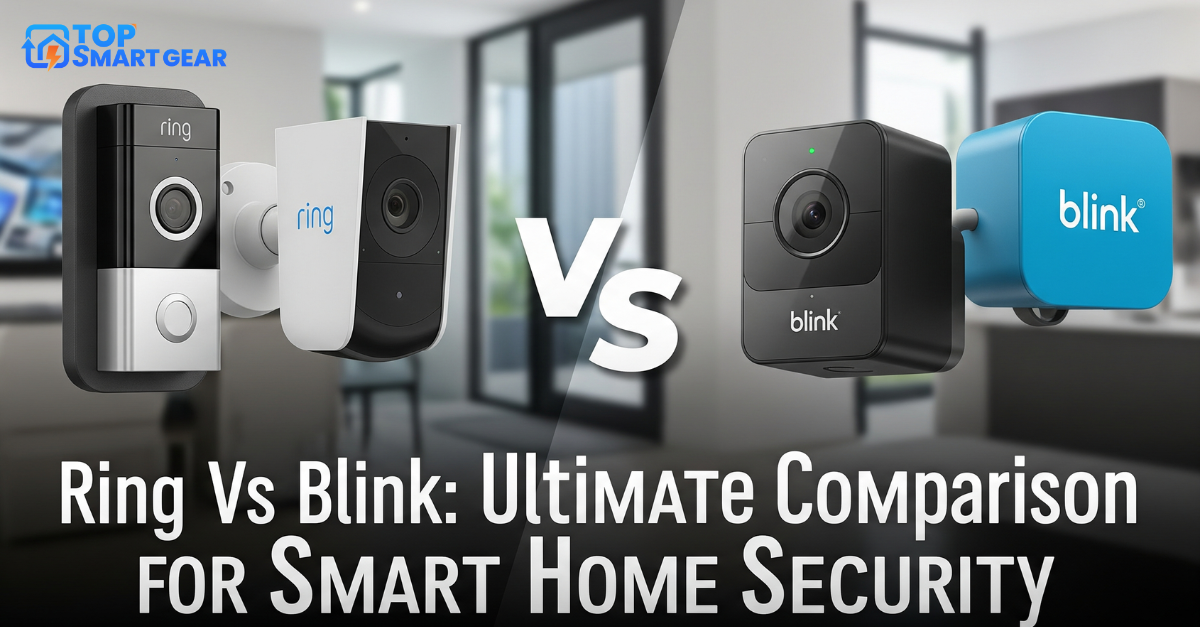

Quick verdict on Nest Doorbell vs Ring: buy the Ring Battery Doorbell (2nd Gen) if you use Alexa or want the lowest price; it’s cheaper and installs anywhere. Buy the Google Nest Doorbell (battery) if you use Google Home: it costs more but gives you smart alerts and a few hours of video history free, with no plan. Either way, plan on a monthly subscription if you want weeks of saved video.
How we put this comparison together: written by Md. Mehedi Hasan for TopSmartGear, using Google’s and Ring’s specifications and plan pages, independent expert reviews and verified owner feedback. This is a research-based comparison, not a hands-on test. Sources include Ring’s official battery doorbell comparison. Read how we review.
Nest vs Ring at a glance
| Feature | Google Nest Doorbell (battery) | Ring Battery Doorbell (2nd Gen) |
|---|---|---|
| Power | Battery or doorbell wires | Battery or doorbell wires |
| Free without a plan | Live view, person/package/animal/vehicle alerts, about 3 hours of event history | Live view, motion alerts, two-way talk; no saved video |
| Plan to save video | Google Home Premium (Standard or Advanced) | Ring Solo or Ring Multi a month |
| Best with | Google Home, Nest Hub displays | Alexa, Echo Show displays |
Price and subscriptions
Ring’s doorbell is much cheaper to buy, but without a plan it can’t save or replay video. Ring Solo adds video history and smart alerts; Ring Multi covers every Ring device at home. Nest costs more up front but works better for free: it sends smart alerts and keeps about three hours of event clips. For longer history you need Google Home Premium (Standard or Advanced) a month). Over two years the totals end up close, so choose on ecosystem rather than price alone. See how much smart home security costs for the full math.
Video and features
Both show a tall, head-to-toe view so you can see packages on the doormat as well as faces. Nest’s on-device AI is the stronger of the two for free alerts, and it can recognize familiar faces with a Premium plan. Ring’s strengths are quick replies, a huge range of matching cameras and chimes, and tight integration with Echo Show screens. If you want sharper video, both brands sell step-up models: the Ring Battery Doorbell Plus (2nd Gen) and the 2K Nest Doorbell (wired, 3rd Gen).
Installation
Both can run on battery with no wiring, which suits renters, or connect to existing doorbell wires to trickle-charge. Expect to recharge the battery every few weeks to months depending on how busy your door is. Our guide on how to install a video doorbell covers both.
Which should you buy?
- Ring Battery Doorbell if you use Alexa, want the cheapest good doorbell, or already own Ring cameras.
- Nest Doorbell (battery) if you use Google Home or a Nest Hub, and want useful alerts without paying monthly. Read our Nest Doorbell (battery) review.
- No monthly fees at all? Look at eufy doorbells with local storage; see eufy vs Ring.
Frequently asked questions
Does the Nest Doorbell work with Alexa?
Basic features like doorbell announcements and live view can work with Alexa, but Nest is designed for Google Home. Ring is the better fit for Alexa homes.
Can I use either doorbell without a subscription?
Yes. Both ring your phone and let you see and talk to visitors live. Nest also keeps a few hours of clips for free; Ring needs a plan to save any video.
Final verdict
Match the doorbell to your assistant: Ring for Alexa and the lowest price, Nest for Google Home and better free features. Both drop in price around Black Friday, so check our smart home deals page and the best video doorbells guide.