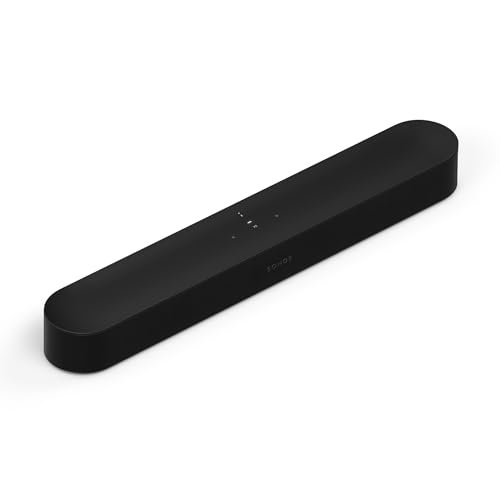
Sonos Beam (Gen 2)
- Sound: compact soundbar with virtual Dolby Atmos
- TV connection: HDMI eARC
- Streaming: Wi-Fi, AirPlay 2, Sonos app
- Voice: Amazon Alexa, Sonos Voice Control
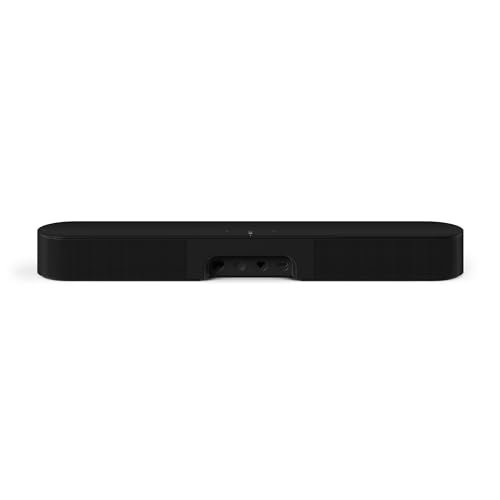
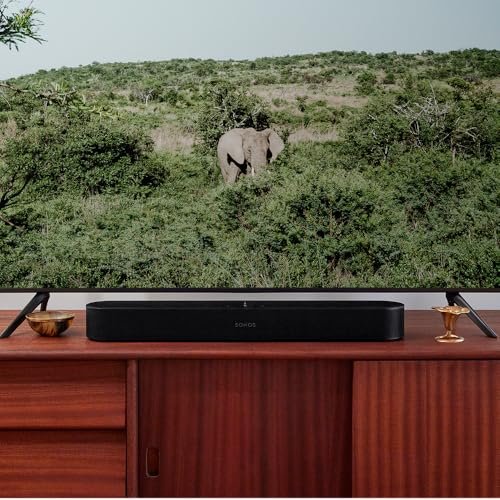
- Size: 25.6 x 3.9 x 2.7 inches
- Price: check current price
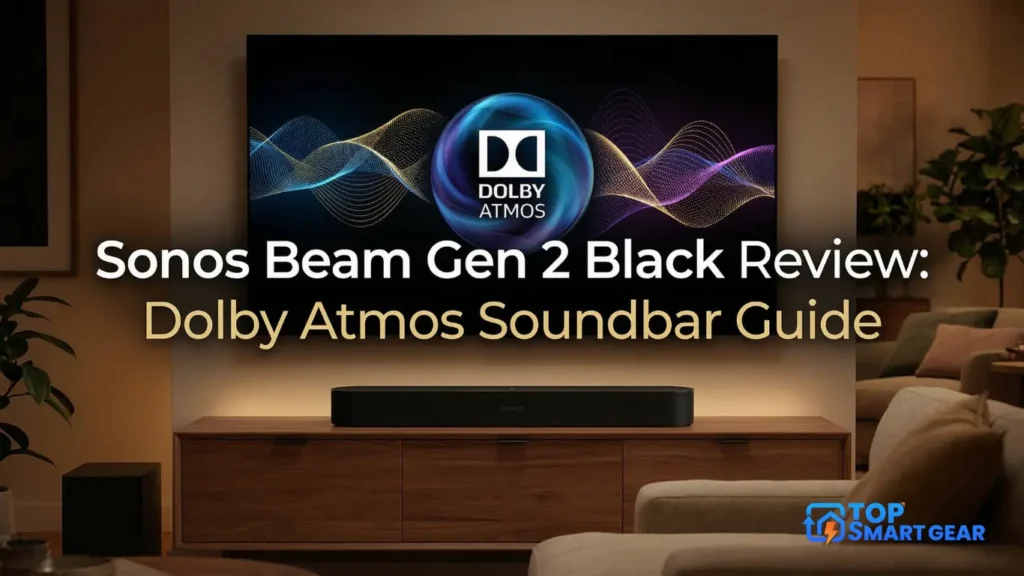
Quick verdict from our Sonos Beam Gen 2 review: the Beam Gen 2 is a compact soundbar that makes TV dialogue much clearer and adds a wider, more cinematic sound. It’s a great fit for small and medium living rooms, especially if you already use Sonos. Its Dolby Atmos is virtual (no upward-firing speakers), and deep bass needs a separate subwoofer.
How we put this review together: written by Md. Mehedi Hasan for TopSmartGear, using Sound & Vision’s Beam (Gen 2) spec sheet, independent expert reviews and verified owner feedback. This is a research-based review, not a hands-on test. Read how we review.
Sonos Beam Gen 2 review: pros and cons
What’s good
- ✅ Very clear dialogue, with a Speech Enhancement mode
- ✅ Wide sound for its compact size
- ✅ Easy HDMI eARC setup; works with your TV remote
- ✅ Can add a Sonos Sub and rear speakers later
What could be better
- ❌ Atmos is virtual, so the height effect is subtle
- ❌ Limited deep bass without a subwoofer
- ❌ No Bluetooth; one HDMI port only
- ❌ Expensive at full price
Who Should Buy This
The Beam Gen 2 suits people with a small or medium living room who want clearer TV sound and good music streaming from one compact bar. It’s especially good if you already own Sonos speakers, because it groups with them for whole-home audio.
Skip it if you want a big home theater with real height effects, or deep bass without buying a subwoofer. For a smaller, cheaper bar, read our Sonos Ray review; to add bass later, see the Sonos Sub Mini.
Technical Specifications
- Brand: Sonos
- Model: Beam (Gen 2)
- Size: 25.6 x 3.9 x 2.7 inches
- Weight: about 6.2 lb (2.8 kg)
- Colors: Black, White
- Connections: HDMI eARC, Ethernet, Wi-Fi
- Audio: Dolby Atmos (virtual), Speech Enhancement, Night Sound, Trueplay tuning
- Warranty: 1-year limited warranty
What to Expect Day to Day
You connect it to your TV’s HDMI eARC (or ARC) port and set it up in the Sonos app. Expert reviews consistently praise its clear dialogue and wide sound, and the Night Sound mode lowers loud effects for late-night watching. When the TV is off, it works as a regular Sonos speaker for music, radio and podcasts over Wi-Fi or AirPlay 2.
How It Compares
| Feature | Sonos Beam (Gen 2) | Sonos Ray | Sonos Arc Ultra |
|---|---|---|---|
| Size | Compact | Smallest | Large |
| Dolby Atmos | Yes (virtual) | No | Yes (with up-firing speakers) |
| TV connection | HDMI eARC | Optical | HDMI eARC |
| Best for | Small to medium rooms | Bedrooms, small TVs | Big rooms, home theater |
What Owners Say
- Owners praise the clear dialogue and how much better TV sounds.
- The compact size and easy setup get frequent mention.
- Common complaints: the price, limited bass without a sub, and occasional Sonos app problems.
Is It Worth the Price?
The Beam Gen 2 is often discounted, especially around Black Friday. On sale, it’s one of the best compact soundbars for a smart home. At full price, consider whether you’ll actually add a sub and rear speakers later.
Final Verdict
If you want clearer TV sound and great music streaming from a compact bar, the Sonos Beam (Gen 2) is an excellent choice, ideally bought on sale.
Frequently asked questions
Does the Sonos Beam Gen 2 have real Dolby Atmos?
It decodes Dolby Atmos but creates height virtually, with no upward-firing speakers. For true up-firing drivers, look at the Sonos Arc Ultra.
Does the Sonos Beam Gen 2 have Bluetooth?
No. It streams over Wi-Fi and AirPlay 2 and connects to your TV over HDMI eARC.
Can I connect the Beam Gen 2 to an older TV without eARC?
Yes. It works with HDMI ARC, and Sonos includes an optical adapter for TVs with optical output only.
Can I add a subwoofer or rear speakers to the Beam Gen 2?
Yes. You can add a Sonos Sub or Sub Mini and a pair of Sonos speakers as rears.