Quick answer on connect Alexa to a Bluetooth speaker: put your Bluetooth speaker in pairing mode, then in the Alexa app go to Devices → Echo & Alexa → your Echo → Bluetooth Devices → Pair a New Device and pick the speaker. After that, say “Alexa, connect to [speaker name]” to reconnect any time.
How we put this guide together: written by Md. Mehedi Hasan for Top Smart Gear, based on Amazon’s official guide to pairing a Bluetooth speaker with Echo. This is a research-based guide, not a hands-on test. Read how we review.
How to connect Alexa to a Bluetooth speaker
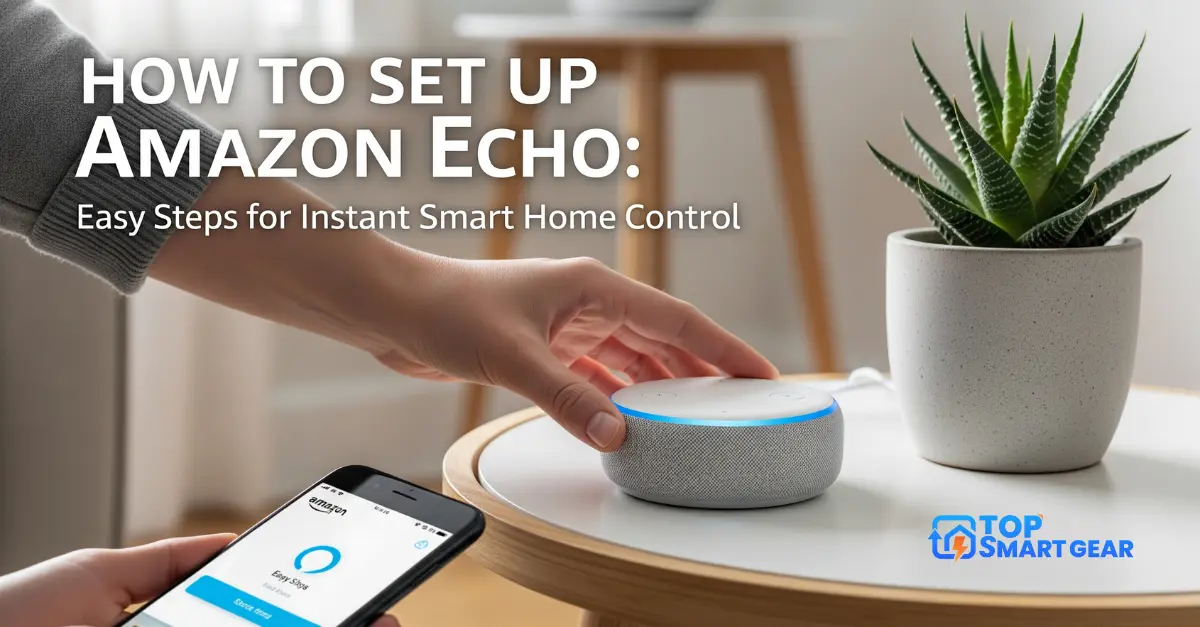
- Turn on your Bluetooth speaker and put it in pairing mode (usually by holding its Bluetooth button until a light flashes).
- Place it within a few feet of the Echo.
- Open the Alexa app and tap Devices → Echo & Alexa, then choose your Echo.
- Tap Device Settings if you see it, then Bluetooth Devices → Pair a New Device. Your Echo starts searching.
- Select your speaker from the list. Alexa confirms when it’s connected.
Now music, news and Alexa’s voice play through the bigger speaker. To switch back, say “Alexa, disconnect.”
How to use your Echo as a Bluetooth speaker for your phone
- Say “Alexa, pair.”
- On your phone, open Bluetooth settings and select your Echo.
- Play anything on your phone; it comes out of the Echo. Say “Alexa, disconnect” when you’re done.
Good to know
- Multi-room music groups don’t include Bluetooth speakers; use Echo or Wi-Fi speakers for that.
- Slight delay: Bluetooth can add a small lag, which matters for video but not for music.
- Cable option: some older Echo models have a 3.5mm audio-out jack, which gives a steadier connection than Bluetooth. Newer models like the Echo Dot (5th Gen) don’t.
- Better sound without extra speakers: an Echo Dot Max or Echo Studio sounds much fuller than a regular Dot.
Can’t connect Alexa to a Bluetooth speaker? Try this
- Make sure the speaker isn’t still connected to your phone; turn off your phone’s Bluetooth while pairing.
- Disconnect any other Bluetooth device from the Echo first. An Echo streams to one Bluetooth device at a time.
- Remove the speaker from the Echo’s Bluetooth list in the app and pair again.
- Restart both the Echo and the speaker.
- More fixes in our Alexa troubleshooting guide.
Frequently asked questions
How do I reconnect Alexa to my Bluetooth speaker later?
Turn the speaker on and say “Alexa, connect to [speaker name].” Once paired, you don’t need the app again.
How do I unpair a Bluetooth speaker from Alexa?
In the Alexa app, open your Echo, go to Bluetooth Devices, select the speaker and choose Forget Device.
Can an Echo play to two Bluetooth speakers at once?
No. An Echo sends audio to one Bluetooth device at a time. For music in several rooms, use a multi-room music group of Echo speakers instead.
Does Alexa still hear me when sound plays through the Bluetooth speaker?
Yes. The microphones are in the Echo, not the Bluetooth speaker, so keep the Echo where it can hear you.
Looking for a Bluetooth speaker to pair? See our JBL Charge 6, JBL Flip 7 and Bose SoundLink Max reviews.