
Quick answer: to set up a Google Nest Mini, plug it in, open the Google Home app, tap Add (+) → Device, and follow the prompts to connect it to Wi-Fi and pick a room. Setup takes about 10 minutes.
Note: Google stopped making the Nest Mini in June 2026, but says existing speakers will keep getting software updates and support. These steps work for any Nest Mini you own, received as a gift or bought from remaining stock.
How we put this guide together: written by Md. Enamul Arafath for TopSmartGear, based on Google’s official Nest speaker setup guide. This is a research-based guide, not a hands-on test. Read how we review.
Before you start
- An Android phone or iPhone with the free Google Home app.
- Your Google account and Wi-Fi password.
- Bluetooth and location turned on on your phone (the app uses them to find the speaker).
How to set up a Google Nest Mini, step by step
- Plug in the Nest Mini with its included adapter. It plays a sound when it’s ready.
- Open the Google Home app. It may show a “Set up Nest Mini” card; tap it. If not, tap Add (+) → Device and follow the prompts. Keep your phone close to the speaker the whole time.
- Choose a home and room (for example “Bedroom”).
- Confirm the sound the speaker plays so the app knows it found the right one.
- Connect to Wi-Fi and enter your password.
- Set up Voice Match so it recognizes your voice for personal results like your calendar.
- Link music services such as Spotify or YouTube Music and choose a default.
- Let it finish any updates, then say “Hey Google, what’s the weather?”
Tips after setup
- Wall mount: the 2nd gen Nest Mini has a notch on the back to hang it on a screw.
- Add smart lights: see smart lights that work with Google Home.
- Better music: pair it with a Nest Audio, or play to a Chromecast-enabled speaker.
- Privacy: slide the microphone switch on the side to turn the mics off (the lights turn orange).
Can’t set up your Google Nest Mini? Try this
- Keep your phone close to the speaker and make sure Bluetooth and location are on.
- Restart your router and try again on your main (not guest) Wi-Fi network.
- If it was used before, factory reset it first: see how to reset a Google Nest Mini.
Frequently asked questions
Can I set up a Google Nest Mini without a phone?
No. Setup needs the Google Home app on an Android phone, iPhone or tablet. There is no computer setup option.
Do I need to reset a used Nest Mini before setting it up?
Yes, if someone else set it up before. A factory reset clears their account so the Google Home app can find it as a new device.
Is the Nest Mini still supported now that it is discontinued?
Yes. Google says existing Nest Mini speakers will keep getting software updates, security patches and customer support.
How long does it take to set up a Google Nest Mini?
Most setups take about 10 minutes, plus a few more if the speaker downloads an update.
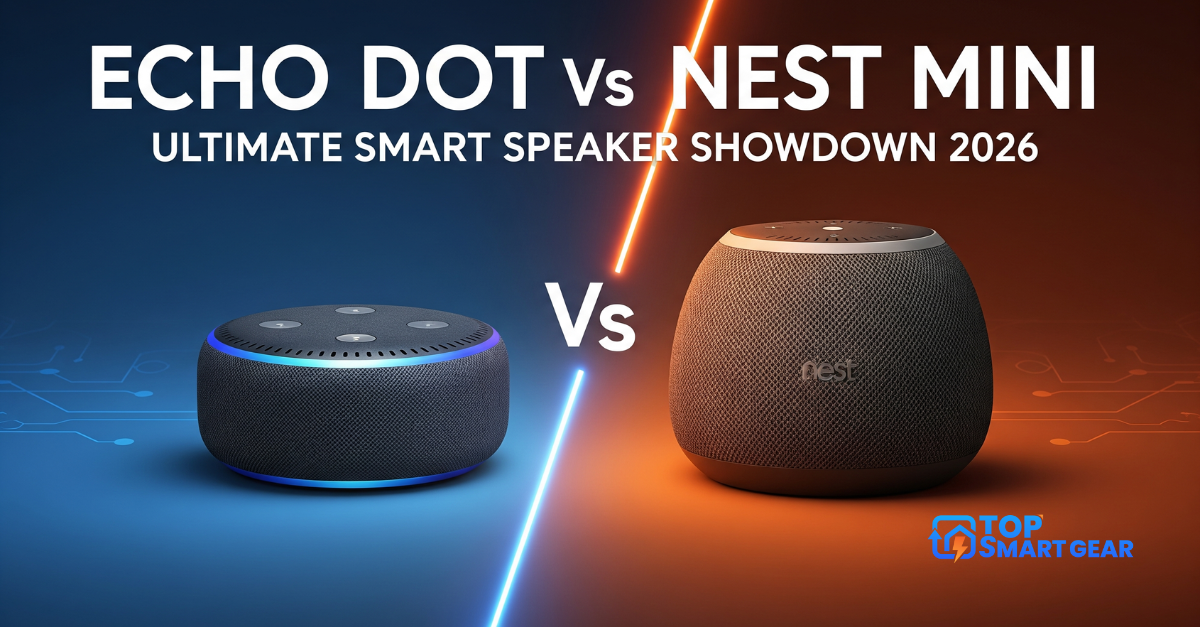
Still deciding which speaker to buy? Read our Nest Mini review and Echo Dot vs Nest Mini.