Are you ready to take control of your home lighting with just a tap or a voice command? Choosing a Top Rated Smart Light Switch can transform your daily routine, making your space more convenient, energy-efficient, and secure. With the right switch, you can enjoy more intelligent lighting control that fits seamlessly into your lifestyle.
But with so many smart lighting options available, how do you know which one truly stands out? In this guide, you’ll discover smart home lighting solutions that deliver seamless performance, easy installation, and advanced features such as voice control, app-based scheduling, and energy-efficient automation. Keep reading to find the ideal smart light switch that will brighten your home, enhance convenience, and fit perfectly into your modern lifestyle.
Top Rated Smart Light Switches
Smart light switches change how you control your home lighting. They bring convenience, energy savings, and modern style. You can turn lights on or off with a phone or voice commands. Some models also offer scheduling and dimming features. Choosing the best smart light switch depends on your home setup and needs.
What Makes A Smart Light Switch The Best?
The best smart light switches have these features:
- Easy installation that fits most homes.
- Reliable connectivity with Wi-Fi or smart home hubs.
- Compatibility with popular voice assistants like Alexa, Google Assistant, or Siri.
- Multiple control options including app, voice, and physical buttons.
- Energy monitoring to track usage and save power.
- Customizable settings for schedules and dimming.
Top Smart Light Switch Models
| Model | Key Features | Voice Assistant | Price Range |
|---|---|---|---|
| TP-Link Kasa HS200 | Simple install, no hub needed, scheduling | Alexa, Google Assistant | $$ |
| Wemo WiFi Smart Light Switch | Remote control, works with Apple HomeKit | Alexa, Google Assistant, Siri | $$ |
| Lutron Caséta Wireless | Works with many smart devices, very reliable | Alexa, Google Assistant, Siri | $$$ |
| Leviton Decora Smart Switch | Custom dimming, easy app control | Alexa, Google Assistant | $$ |
How To Choose The Right Smart Light Switch
- Check your wiring: Some switches need a neutral wire.
- Pick a compatible app: Make sure it works with your phone.
- Match your voice assistant: Confirm it supports Alexa, Google, or Siri.
- Decide on features: Scheduling, dimming, or energy monitoring.
- Consider installation: Some models require professional help.
Benefits Of Using Smart Light Switches
- Save energy by turning off lights remotely.
- Increase safety with automatic lighting schedules.
- Boost convenience with voice commands or app control.
- Enhance home style with sleek switch designs.
Key Features To Consider
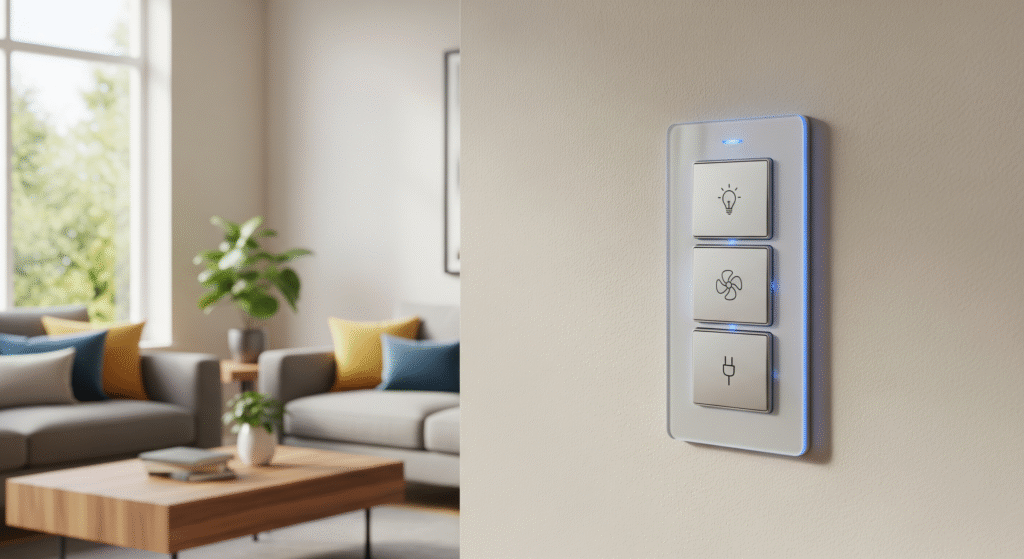
Choosing a top rated smart light switch means focusing on key features that match your home and lifestyle. The right switch offers convenience, saves energy, and fits your devices. This section highlights important features to consider before buying. Knowing these details helps pick a smart switch that works smoothly and lasts long.
Compatibility With Devices
Compatibility is a vital feature for any smart light switch. It must work well with your home’s existing devices and systems. Most smart switches connect via Wi-Fi, Zigbee, or Z-Wave. Check which protocol your smart hub or voice assistant uses.
- Voice Assistants: Ensure the switch supports Alexa, Google Assistant, or Apple HomeKit.
- Smart Hubs: Some switches require a hub like Samsung SmartThings or Hubitat.
- Bulb Types: Confirm if the switch works with LED, CFL, or incandescent bulbs.
Using incompatible switches can cause connection issues or limited control options. Below is a simple compatibility table:
| Feature | Supports Alexa | Supports Google Assistant | Requires Hub | Bulb Compatibility |
|---|---|---|---|---|
| Switch A | Yes | Yes | No | LED, CFL, Incandescent |
| Switch B | Yes | No | Yes (Zigbee Hub) | LED, Incandescent |
Check your devices’ compatibility before purchase. It saves time and avoids frustration.
Installation Process
Installation ease is a key factor for smart light switches. Some require basic wiring skills; others are plug-and-play. Understanding the process helps avoid extra costs or damage.
Here are important points about installation:
- Neutral Wire: Many smart switches need a neutral wire in the wall box. Check your home’s wiring first.
- Tools Needed: Screwdriver, voltage tester, and wire strippers are common tools.
- Instructions: Follow the user manual carefully for safety and correct setup.
- Professional Help: Consider an electrician if unsure about wiring or local codes.
Some smart switches come with detailed guides and video tutorials. These make installation smoother for beginners.
Compare installation times:
- Turn off power at the breaker.
- Remove old switch.
- Connect wires to the new smart switch.
- Secure the switch and restore power.
- Complete app setup for smart features.
Simple installation means less hassle and faster smart control.
Control Options
Smart light switches offer various ways to control your lights. Choose one with control options that fit your routine and devices.
Common control methods include:
- Physical Switch: Traditional on/off button on the device.
- Mobile App: Control lights from anywhere using your smartphone.
- Voice Control: Use Alexa, Google Assistant, or Siri to command lights hands-free.
- Automation: Set schedules or triggers like motion sensors.
- Remote Control: Some switches include a remote for extra convenience.
Each control option adds flexibility. Voice commands free your hands. Mobile apps allow control outside the home. Automation can turn lights on/off based on time or presence.
Check if the switch supports multi-user control. This lets everyone in the house manage lights from their devices.
Energy Efficiency
Energy efficiency lowers electricity bills and helps the environment. Smart light switches often include features to save power.
Look for these energy-saving features:
- Scheduling: Automatically turn off lights when not needed.
- Timers: Set lights to turn off after a set time.
- Energy Monitoring: Track usage to identify waste.
- Dimmer Function: Reduce brightness to save energy.
Some switches show energy consumption in their app. This helps users adjust habits for more savings.
Benefits of energy-efficient switches include:
| Feature | Benefit |
|---|---|
| Scheduling | Prevents lights staying on unnecessarily |
| Energy Monitoring | Identifies high energy use |
| Dimmer | Reduces power consumption |
Energy-efficient switches reduce costs and help protect the planet.
Design And Build Quality
Design and build quality affect the switch’s look, feel, and durability. A well-built switch fits your home’s style and lasts many years.
Consider these design aspects:
- Material: Choose durable plastics or metal finishes for strength.
- Size: Compact switches fit better in small wall boxes.
- Button Style: Touch-sensitive or physical buttons affect usability.
- Indicator Lights: Show switch status clearly without being distracting.
Build quality ensures safety and reliable performance. Cheap materials may wear out or cause issues.
Some switches offer customizable faceplates or colors. This helps match your home décor.
Table below compares design features:
| Feature | Switch X | Switch Y |
|---|---|---|
| Material | High-quality plastic | Metal alloy |
| Button Type | Touch-sensitive | Physical toggle |
| Indicator Lights | Soft blue LED | Bright red LED |
A smart switch with good design and build quality improves user experience and lasts longer.
Popular Brands
Choosing a Top Rated Smart Light Switch can improve your home’s lighting and help you save energy. Popular brands offer reliable products with features like smart switch compatibility, Google Home integration, and voice-controlled lighting. These switches also provide features such as Wi-Fi-controlled lighting, dimming, and remote access via mobile apps. Upgrading to a top-rated switch enhances your overall home lighting system and supports smooth smart home automation. Below are some trusted brands known for quality, innovation, and user-friendly performance.
Lutron
Lutron is a leader in smart lighting. Their switches work well with many systems. They offer a range of smart switches with advanced features.
- Smart Switch Compatibility: Works with Alexa, Google Home, and Apple HomeKit.
- Dimmable Smart Switch: Allows smooth brightness control for different moods.
- Energy-Efficient Lighting: Helps reduce energy use by adjusting light levels.
- Voice Control Switch: Control lights hands-free with voice commands.
- Remote Light Control: Use an app to switch lights on or off from anywhere.
Lutron’s Caséta Wireless series is popular for its reliability. It fits easily into existing wiring and offers strong wireless signals. Their switches support custom schedules and scenes, making your lighting smart and personal.
| Feature | Benefit |
|---|---|
| Works with multiple platforms | Easy integration with various smart home devices |
| Dimmable lighting | Adjust brightness to save energy and enhance mood |
| Remote control | Manage lights from anywhere with the app |
Tp-link
TP-Link is known for affordable and effective smart switches. Their products focus on easy setup and strong Wi-Fi Light Switch performance.
- Smart Switch Compatibility: Works with Alexa and Google Home.
- Voice Control Switch: Hands-free control with voice assistants.
- Remote Light Control: Control your lights from your smartphone.
- Energy-Efficient Lighting: Helps reduce electricity bills.
- Home Lighting System: Integrates well with other TP-Link smart devices.
TP-Link’s Kasa Smart line offers switches with easy installation and intuitive apps. Users enjoy features like scheduling and away mode for security. These switches deliver reliable Wi-Fi connection and smooth dimming options.
| Model | Key Feature | Platform Support |
|---|---|---|
| Kasa Smart HS200 | Simple on/off control | Alexa, Google Home |
| Kasa Smart HS220 | Dimmable switch | Alexa, Google Home |
Leviton
Leviton offers a wide variety of smart switches with strong performance. Their products focus on compatibility and customization.
- Smart Switch Compatibility: Works with Alexa, Google Home, and Apple HomeKit.
- Dimmable Smart Switch: Provides smooth lighting control.
- Voice Control Switch: Supports hands-free commands.
- Remote Light Control: Control from anywhere via app.
- Smart Home Automation: Compatible with many smart home setups.
Leviton’s Decora Smart series includes switches that fit standard wiring. They offer multi-location control, allowing more than one switch to control the same light. This adds convenience to your home lighting system.
| Switch Type | Feature | Compatibility |
|---|---|---|
| Decora Smart Switch | On/off and dimming | Alexa, Google Home, HomeKit |
| Multi-location Switch | Control from several points | Wi-Fi |
Wemo
WeMo creates simple and functional smart switches. Their products support easy Smart Home Automation and voice control.
- Smart Switch Compatibility: Works with Alexa and Google Home.
- Voice Control Switch: Control lights with voice commands.
- Remote Light Control: Manage lights from anywhere using the app.
- Energy-Efficient Lighting: Helps save electricity with scheduling.
- Wi-Fi Light Switch: Connects directly to your home Wi-Fi.
WeMo switches are easy to install and use. Their app offers schedules and away modes to simulate presence. The switches support dimming and work well with many smart home devices.
| Feature | Description |
|---|---|
| Easy setup | Quick installation with no hub needed |
| App control | Schedule and control remotely |
| Voice assistant support | Works with Alexa and Google Home |
Ecobee
Ecobee is known for smart thermostats and lighting products. Their smart switches enhance energy savings and control.
- Smart Switch Compatibility: Integrates with Alexa and Google Home.
- Voice Control Switch: Hands-free light control.
- Remote Light Control: Use smartphone apps for easy access.
- Energy-Efficient Lighting: Supports schedules and occupancy detection.
- Home Lighting System: Works well with other Ecobee devices.
Ecobee smart switches include features like occupancy sensors to turn lights off automatically. This helps save energy and adds convenience. The switches support dimming and easy integration into smart home setups.
| Feature | Benefit |
|---|---|
| Occupancy sensor | Turns off lights when no one is present |
| Voice and app control | Flexible ways to manage lighting |
| Integration | Works with Ecobee thermostats and Alexa |
Smart Switches For Different Needs
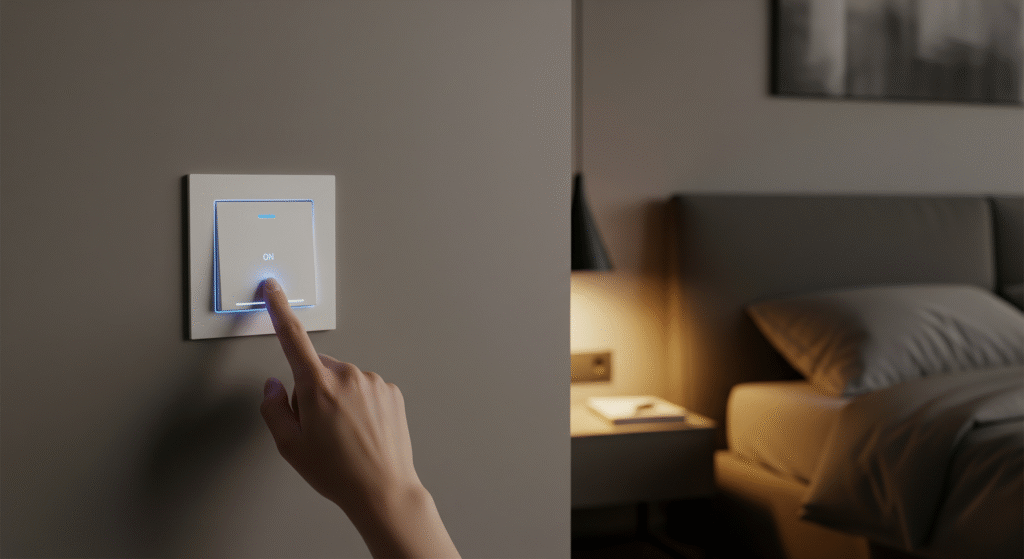
Top Rated Smart Light Switch options offer a simple and effective way to control lighting in any home. They come in various types to match different needs, budgets, and skill levels. Choosing the right smart switch depends on your experience and the features you want. This guide breaks down the top smart switches into four clear categories, each designed for a specific user type or price range. Understanding these groups will help you choose the best switch for your setup and get the most value from your smart home upgrade.
Best For Beginners
Beginners need smart switches that are easy to install and use. These models usually come with clear instructions and simple apps. Most support popular voice assistants like Alexa and Google Assistant. This makes controlling lights by voice or app straightforward.
- Simple setup: No wiring complexity or extra hubs required.
- Basic features: On/off control, scheduling, and timers.
- Friendly apps: User-friendly interfaces for easy management.
- Reliable support: Good customer service and tutorials.
Here is a quick comparison of popular beginner-friendly switches:
| Model | Voice Control | Hub Required | Price |
|---|---|---|---|
| TP-Link Kasa HS200 | Yes | No | $$ |
| Wemo WiFi Smart Switch | Yes | No | $ |
| Leviton Decora Smart | Yes | No | $$ |
These switches work well for those new to smart home devices. They avoid confusing features and focus on core functions. Installation usually takes under 30 minutes. Most beginners find these switches a smooth introduction to smart lighting.
Best For Advanced Users
Advanced users want smart switches with more control and customization. These switches support features like multi-way wiring, dimming, and integration with other smart devices. They often connect to smart home platforms such as SmartThings or Home Assistant.
- Advanced wiring: Support for 3-way or 4-way switch setups.
- Dimming and scene control: Adjust brightness and create lighting moods.
- Automation: Custom rules based on time, motion, or other sensors.
- Compatibility: Works with many smart home ecosystems.
Here is a table showing features important to advanced users:
| Feature | Importance | Example Model |
|---|---|---|
| Multi-way wiring | High | Lutron Caseta |
| Dimming | High | Lutron Caseta, Legrand |
| Smart home integration | High | Insteon Switches |
Advanced users enjoy building complex lighting setups. These switches offer greater control but may require professional installation. They suit homes with many smart devices and tech enthusiasts who want full control.
Budget-friendly Options
Budget-friendly smart switches provide basic smart functions without a high price. They usually focus on on/off control and simple schedules. These models help save money while adding convenience to any room.
- Affordable prices: Cost-effective options under $30.
- Easy installation: Simple wiring and setup.
- Basic app control: Turn lights on/off and set timers.
- Good reliability: Decent build quality for the price.
Here is a list of top budget-friendly switches:
- Wyze Smart Light Switch
- GE Cync Smart Switch
- Teckin Smart Wall Switch
These switches suit renters or those on a tight budget. They offer smart features without extra costs for hubs or subscriptions. Ideal for simple use cases like bedrooms or small living areas.
Premium Models
Premium smart switches include advanced technology and elegant designs. They offer superior build quality and extensive features. These models often have touch controls, customizable buttons, and advanced automation.
- High-end materials: Glass panels, metal finishes, and sleek designs.
- Full smart control: Voice, app, remote, and automation options.
- Multi-function buttons: Control multiple devices or scenes.
- Integration: Compatible with Apple HomeKit, Alexa, Google Assistant.
Below are some premium smart switches worth considering:
| Model | Unique Feature | Price Range |
|---|---|---|
| Lutron Caseta Wireless | Professional-grade lighting control | $$$ |
| Legrand Adorne | Stylish design with customizable buttons | $$$ |
| Brilliant Smart Dimmer | Built-in touch screen and smart home hub | $$$$ |
These premium models fit modern homes with smart tech needs. They offer refined aesthetics and top-tier performance. Perfect for users who want both style and advanced functionality.
Integration With Smart Home Systems
Smart light switches enhance home lighting by allowing remote control and automation. Their true power lies in integration with smart home systems. This integration ensures seamless control through voice commands, apps, or routines. It brings convenience and energy savings together. Compatibility with popular platforms means the switch works well with other smart devices. This section explores how top-rated smart light switches connect with Amazon Alexa, Google Assistant, Apple HomeKit, and IFTTT.
Amazon Alexa
Amazon Alexa is a widely used voice assistant. Most top smart light switches support Alexa, making voice control easy and fast. You can turn lights on or off, dim them, or set schedules using simple commands.
- Voice Control: Say “Alexa, turn on the living room light” for instant action.
- Routines: Combine lighting with other smart devices. For example, turn off lights and lock doors with one command.
- Multi-room Support: Control lights in different rooms individually or all at once.
Setting up Alexa with a smart switch usually requires enabling a skill in the Alexa app. This process connects your switch to Alexa’s system. The switch then appears as a controllable device inside the app. You can also create groups or scenes for easier management.
| Feature | Benefit |
|---|---|
| Voice Commands | Hands-free lighting control |
| Routines | Automate multiple tasks |
| App Control | Adjust lights remotely |
| Device Grouping | Manage multiple lights easily |
Google Assistant
Google Assistant also supports many smart light switches. It offers similar features to Alexa but integrates well with Google services like Calendar and Maps. This opens new ways to automate lighting based on your daily schedule or location.
- Voice Commands: Use phrases like “Hey Google, dim the bedroom light.”
- Location-Based Automation: Lights can turn on or off when you arrive or leave home.
- Routines: Create routines linked to your calendar or weather updates.
Setup is simple through the Google Home app. It finds compatible devices and lets you control them easily. Google Assistant supports grouping, so you can control all lights in one room with one command.
| Feature | Benefit |
|---|---|
| Voice Control | Quick and easy lighting adjustments |
| Location Triggers | Automate lights based on your location |
| Routine Integration | Sync lights with daily activities |
| Grouping | Manage multiple lights together |
Apple Homekit
Apple HomeKit offers a secure way to control smart light switches using iPhones, iPads, or Macs. It uses end-to-end encryption, ensuring privacy and safety. Users can control lights through Siri voice commands or the Home app.
- Siri Voice Commands: Say “Hey Siri, turn off the kitchen lights.”
- Scenes: Set lighting scenes to match moods or activities.
- Automation: Schedule lights to turn on or off at specific times or based on sensor triggers.
HomeKit requires the smart switch to be compatible and may need a HomeKit hub like an Apple TV or HomePod. Once set up, the switch appears in the Home app, allowing easy control and automation.
| Feature | Benefit |
|---|---|
| Siri Control | Hands-free and quick commands |
| Scenes | Custom lighting moods |
| Automation | Scheduled and sensor-based control |
| Secure Connection | Privacy and data protection |
Ifttt Compatibility
IFTTT (If This Then That) connects smart light switches with many apps and devices. It allows custom automation beyond the switch’s native app. This extends the switch’s usefulness by linking it with weather, social media, or other smart home gear.
- Custom Applets: Create rules like “If sunset, then turn on porch light.”
- Cross-Platform Automation: Link switches to devices from different brands.
- Notifications: Get alerts when lights turn on or off.
Using IFTTT requires an account and linking your smart switch service. The platform offers many ready-made applets or lets you design your own. It’s perfect for users wanting more control and creative automation.
| Feature | Benefit |
|---|---|
| Custom Automation | Tailor lighting to your needs |
| Multi-brand Support | Works with various smart devices |
| Alerts | Stay informed about your lighting |
| Easy Setup | Use existing or create new applets |
Troubleshooting Common Issues
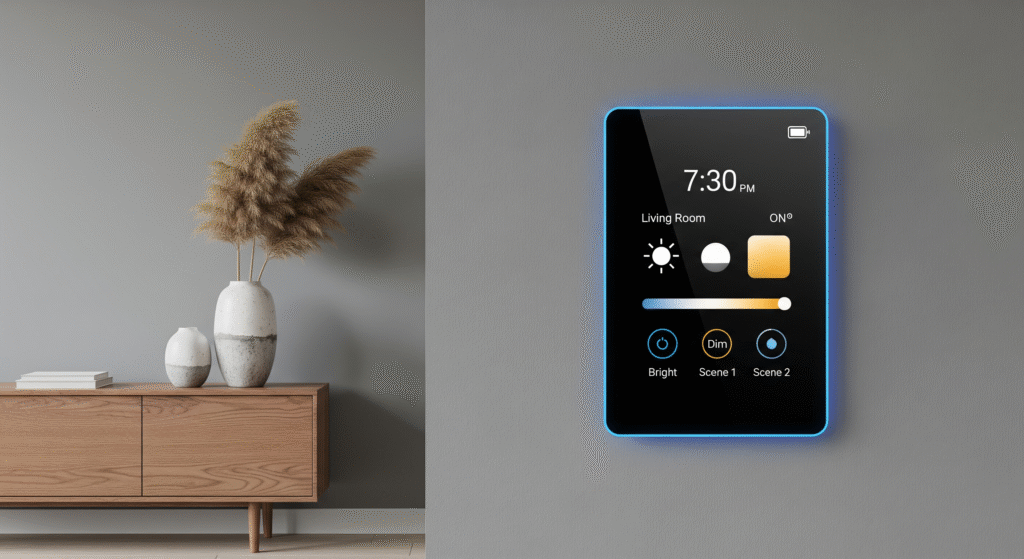
A Top Rated Smart Light Switch brings convenience and better control to your home lighting. However, users may sometimes face common issues that affect performance. Troubleshooting these problems can help restore smooth operation quickly. Understanding typical challenges ensures your smart switch continues to work reliably. This guide covers common issues and simple fixes to save you time and frustration.
Connectivity Problems
Connectivity is the main challenge with smart light switches. Without a steady connection, switches won’t respond properly. Many connectivity problems come from Wi-Fi or app issues.
- Weak Wi-Fi Signal: Walls and distance reduce signal strength. Place your router closer to the switch or use a Wi-Fi extender.
- Incorrect Network Settings: Some switches only connect to 2.4 GHz networks, not 5 GHz. Check your router settings to ensure compatibility.
- App Sync Failures: The switch may not sync with the app. Restart your phone and the switch. Reinstall the app if needed.
Use this table to quickly check common connectivity issues:
| Issue | Possible Cause | Quick Fix |
|---|---|---|
| Switch not responding | Wi-Fi out of range | Move router or use extender |
| Cannot add switch to app | Wrong network frequency | Connect to 2.4 GHz Wi-Fi |
| App shows offline | App or device bug | Restart devices and app |
Tip: Keep your router firmware updated for better stability. Also, avoid too many devices on one network.
Installation Errors
Incorrect installation is a major cause of smart switch problems. Many users miss wiring details or skip safety steps. Follow instructions carefully to avoid errors.
Common installation mistakes include:
- Wrong Wire Connection: Mixing up line, load, or neutral wires can stop the switch from working.
- No Neutral Wire: Some smart switches require a neutral wire. Check your home wiring before purchase.
- Loose Connections: Loose screws or wires cause flickering or no power.
Here is a checklist for installation:
- Turn off power at the circuit breaker.
- Use a voltage tester to confirm no electricity flows.
- Identify line, load, ground, and neutral wires.
- Connect wires as per the switch manual.
- Secure all connections tightly.
- Mount the switch back and restore power.
Warning: If unsure, consult a licensed electrician. Faulty installation risks electric shock or fire.
Firmware Updates
Firmware keeps your smart switch secure and functional. Manufacturers release updates to fix bugs and add features. Skipping updates can cause issues.
Signs your switch needs a firmware update:
- Delayed response or unresponsive switch
- App unable to control the switch
- New features missing
How to update firmware:
- Open the smart switch app on your phone.
- Go to device settings or firmware section.
- Check for available updates.
- Download and install updates over a stable Wi-Fi.
- Do not turn off the switch or phone during update.
Firmware update tips:
| Step | Advice |
|---|---|
| Check update availability | Do this monthly for best performance |
| Use stable Wi-Fi | Avoid interruptions during update |
| Restart device after update | Ensures new firmware runs properly |
Keeping firmware current improves security and reliability. It also helps your smart light switch work with other smart home devices.
Future Trends In Smart Lighting
Smart lighting has changed how people control their home lights. The future holds many exciting trends in this area. These trends will make smart light switches easier to use and more useful. Expect new technology to bring better control, energy savings, and smarter home integration.
Enhanced Voice Control And Ai Integration
Voice control will become more accurate and natural. Smart light switches will work better with AI assistants like Alexa, Google Assistant, and Siri.
- Commands will be understood more easily.
- Switches will predict your lighting needs based on habits.
- AI will adjust brightness and color for comfort automatically.
Energy Efficiency And Sustainability
Smart switches will focus more on saving energy and protecting the environment.
- Improved sensors will turn lights off when rooms are empty.
- Energy usage reports will help reduce electricity bills.
- Integration with solar panels and green energy will increase.
Improved Connectivity And Smart Home Integration
Smart light switches will connect seamlessly with other smart devices.
- Better communication between lights, thermostats, and security systems.
- Central apps to control all smart home devices easily.
- Faster and more reliable wireless connections like Wi-Fi 6 and Thread.
Customizable And Adaptive Lighting Options
Users will enjoy more control over lighting styles and moods.
- Adjustable color temperature and brightness settings.
- Pre-set scenes for different activities like reading or relaxing.
- Adaptive lights that change based on time of day or weather.
Security And Privacy Enhancements
Security will improve to keep smart lighting safe from hackers.
| Feature | Benefit |
|---|---|
| End-to-end encryption | Protects data between device and app |
| Two-factor authentication | Prevents unauthorized access |
| Regular software updates | Fix security vulnerabilities quickly |
Frequently Asked Questions
What Features Make A Smart Light Switch Top Rated?
Top rated smart light switches offer easy installation, voice control, and app integration. They provide energy savings and reliable connectivity. Compatibility with home assistants like Alexa or Google Home is key. User-friendly interfaces and customizable schedules also boost ratings.
How Do Smart Light Switches Save Energy?
Smart light switches save energy by allowing remote control and automation. You can schedule lights to turn off when not needed. Motion sensors detect activity and adjust lighting accordingly. These features reduce unnecessary electricity use and lower utility bills effectively.
Are Smart Light Switches Compatible With All Bulbs?
Most smart light switches work with LED, CFL, and incandescent bulbs. However, some require specific bulb types for optimal performance. Always check product specifications before purchase. Compatibility ensures full functionality and prevents flickering or dimming issues.
Can I Install A Smart Light Switch Myself?
Yes, many smart light switches are designed for DIY installation. Basic electrical knowledge and safety precautions are necessary. Most come with clear instructions and support resources. If unsure, consult a licensed electrician to ensure safe setup.
Conclusion
Choosing a Top Rated Smart Light Switch can make your home more comfortable and convenient. It helps you save energy, enjoy easier control, and improve daily living. There are many options available, so pick one that works well with your existing smart devices.
Most models are simple to install and can be used right away. Upgrading to a smart switch is a small step that can bring significant improvements to your home. Try one and experience a smoother, more connected lifestyle.