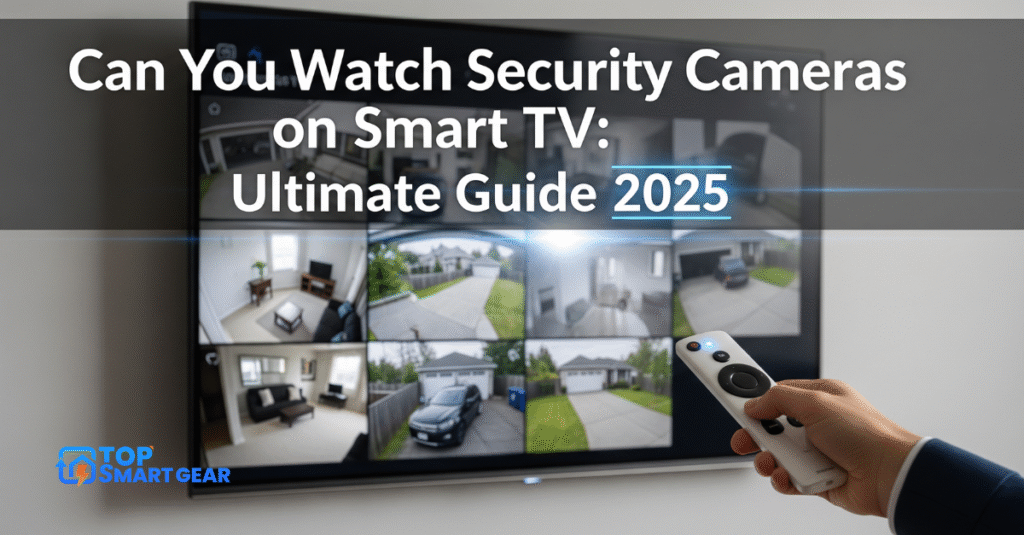
Have you ever wondered, “Can You Watch Security Cameras on Smart TV?” Imagine the convenience of checking your home or office cameras on the big screen without needing extra devices.
Whether you want to keep an eye on your loved ones, pets, or property, knowing how to connect your security cameras to your smart TV can make a huge difference. You’ll discover simple steps and tips to set it up easily.
Keep reading to unlock the full potential of your smart TV and boost your peace of mind.
Credit: reolink.com
Types Of Security Cameras
Security cameras come in different types. Each type has unique features and uses. Knowing these types helps you choose the right camera for your needs. It also affects how you watch the feed on your smart TV.
Wired Vs Wireless Cameras
Wired cameras connect to power and recording devices with cables. They offer stable connections and clear video. Installation can be harder due to cables.
Wireless cameras use Wi-Fi to send video. They are easier to install and move. Wireless cameras depend on a strong internet signal for smooth viewing.
Ip Cameras
IP cameras send video through the internet. They provide high-quality images and remote access. You can view live footage on smart TVs using apps or browsers.
These cameras often include features like motion detection and alerts. They work well with smart home systems.
Analog Cameras
Analog cameras use coaxial cables to send video to a recorder. They are less expensive but offer lower image quality. Viewing on a smart TV may need extra devices.
They are common in older security setups. Upgrading to IP cameras improves clarity and ease of use.
Smart Tv Compatibility
Smart TV compatibility is key to easily watching security cameras. Not all smart TVs support every camera system. Knowing which TVs work with your security cameras saves time and effort. Compatibility depends on the TV’s operating system, available apps, and how the devices connect.
This section covers the main points to check before linking your security cameras to a smart TV.
Supported Operating Systems
Smart TVs run on different operating systems, such as Android TV, Tizen, or webOS. Each system supports apps differently. Android TV offers broad app support, including many security camera apps. Tizen and webOS have fewer apps, but popular camera brands often provide compatible versions. Always check whether your TV’s OS meets the camera app’s requirements.
App Availability
Apps make it simple to view security cameras on smart TVs. Most camera brands offer their own apps for streaming video. These apps appear in the TV’s app store. Some third-party apps support multiple camera brands. If the app is missing, try casting from a phone or tablet instead. Confirm app availability before buying any camera system.
Connectivity Options
Smart TVs connect to cameras using Wi-Fi, Ethernet, or HDMI. Wi-Fi is the most common method. It allows wireless streaming without extra cables. Ethernet offers a stable connection but needs a wired setup. HDMI works for direct video feeds but lacks smart features. Choose the best connection based on your TV and camera setup.
Setting Up Cameras On Smart Tv
Setting up security cameras on a Smart TV makes monitoring easy and convenient. If you’re wondering, Can you watch security cameras on Smart TV? the answer is yes—you can watch live footage directly on the big screen. This setup helps keep your home or office safe without needing extra devices. There are simple ways to connect your cameras to your Smart TV.
Below are three common methods to set up your security cameras on a Smart TV. Each method works for different types of cameras and TV models. Choose the one that fits your needs best.
Connecting Via Apps
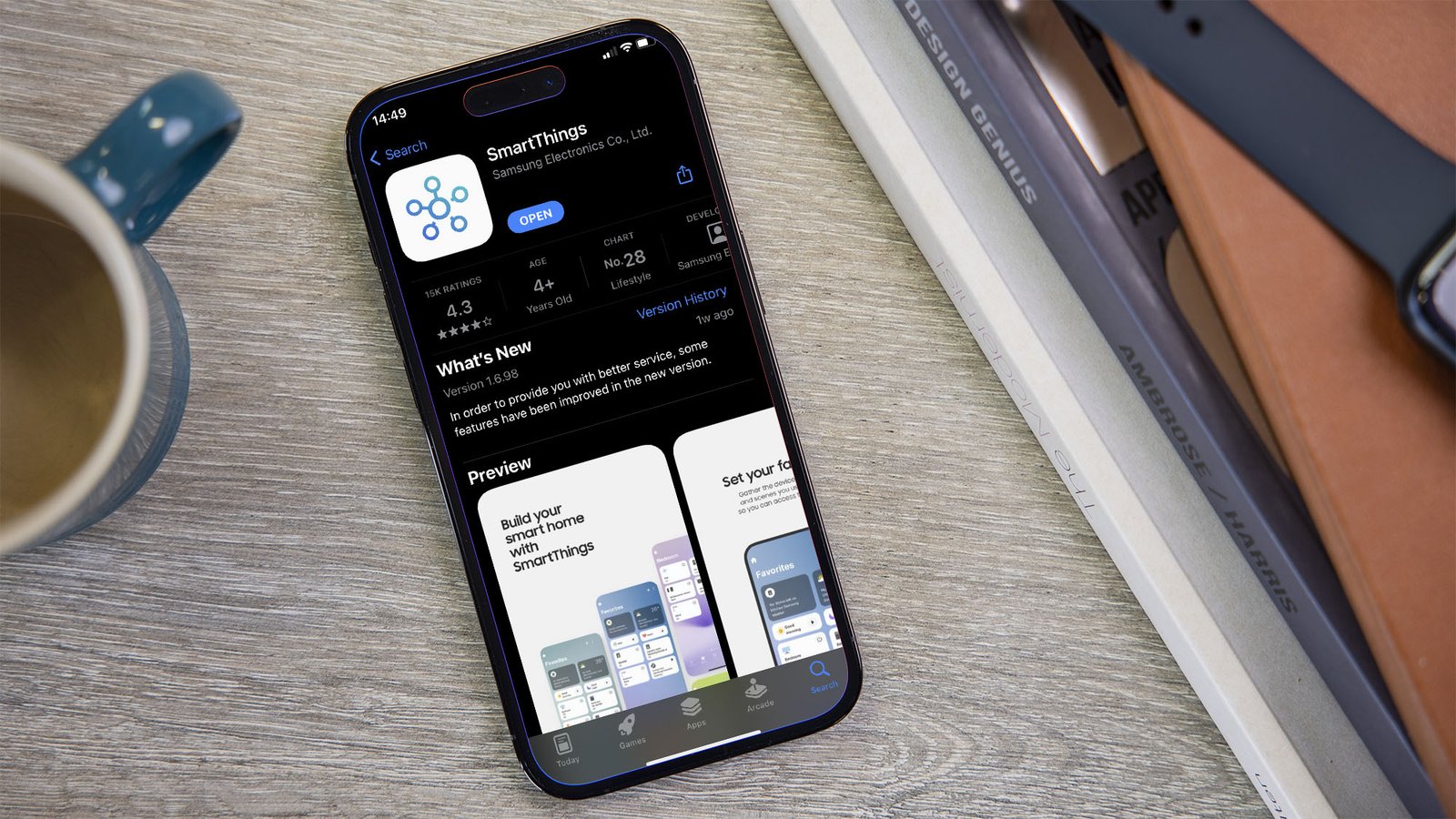
Many security cameras come with dedicated apps for Smart TVs. Download the app from your TV’s app store. Sign in using your camera account details. The app shows live video and recorded clips. This method offers easy control and setup.
Check if your camera brand supports a Smart TV app. Popular brands often have apps for Samsung, LG, and Android TVs. The app keeps your feed secure and private.
Using Web Browsers
Some Smart TVs have built-in web browsers. Open your camera’s web portal in the browser. Log in to access live footage and settings. This method works well for IP cameras without a dedicated app.
Ensure your camera supports web access. Use a simple URL or IP address for a quick connection. The browser method does not need extra software installation.
Screen Mirroring Techniques
Screen mirroring sends your phone or tablet display to the Smart TV. Use this method if your camera app is on a mobile device. Enable screen mirroring on both devices. Your TV shows exactly what appears on your phone screen.
Popular mirroring technologies include Chromecast, AirPlay, and Miracast. This way works with almost all cameras and apps. It also allows you to control the camera from your mobile device.
Top Apps For Viewing Cameras
Watching security cameras on a smart TV is easy with the right app. Many apps let you view live video from your cameras. Some apps come from camera makers. Others come from third parties. You can even use custom solutions to connect your cameras.
Official Security Camera Apps
Many camera brands offer their own apps for smart TVs. These apps are simple and safe to use. They connect directly to your security system. Popular brands like Ring, Arlo, and Nest have apps. These apps show live video and recorded clips. They also send alerts for motion or sound.
Third-party Streaming Apps
Some apps work with many camera brands at once. These apps gather video feeds from different cameras. Apps like TinyCam Monitor and IP Cam Viewer are popular. They support many camera models and brands. You can watch multiple cameras on one screen. These apps often have extra features like zoom or playback.
Custom Solutions
Tech-savvy users can create custom solutions for their smart TVs. Using apps like VLC or Kodi, you can stream video. These apps support many video formats and network protocols. This method works well with IP cameras. It takes some setup but offers great flexibility. You can build a system tailored to your needs.
Troubleshooting Common Issues
Watching security cameras on a smart TV is very useful. Sometimes, problems stop the cameras from showing correctly. This section helps fix common issues fast. Clear steps make it easy to keep your security feed working well.
Connectivity Problems
Smart TVs need a strong internet connection. Check if your TV is connected to Wi-Fi or Ethernet. Restart the router to refresh the network. Use a cable if Wi-Fi is weak. Make sure the camera and TV are on the same network. This helps the camera feed reach your TV smoothly.
App Crashes
Camera apps can crash on smart TVs. Close the app fully and reopen it. Check for app updates in your TV’s app store. Old versions often cause crashes. Clear the app cache to remove temporary files. Restart the smart TV to reset the system. These steps often stop the app from crashing.
Video Lag And Quality
Video lag makes watching security footage hard. Lower the video resolution in the app settings. This reduces the data needed to stream. Close other apps running on your smart TV to free memory. Check the camera’s signal strength for weak spots. Strong signals improve video quality and reduce lag.
Benefits Of Watching Cameras On Smart Tv
Watching security cameras on a Smart TV offers many benefits. If you’ve ever asked, “Can you watch security cameras on Smart TV?” the answer highlights how convenient it can be. It helps you keep an eye on your home or business easily, and the viewing experience becomes clearer and more comfortable. This section explains why using a Smart TV for camera feeds is especially useful.
Large Screen Viewing
A Smart TV provides a larger, clearer view of your camera footage. You can see details that might be missed on a phone or tablet. This helps in spotting unusual activity quickly. The large screen reduces eye strain during long monitoring.
Convenience
Smart TVs let you watch camera feeds without extra devices. Just turn on the TV and access the app or stream. This saves time and effort. You don’t need to carry your phone or open a laptop. It works well for anyone at home or work.
Multi-camera Monitoring
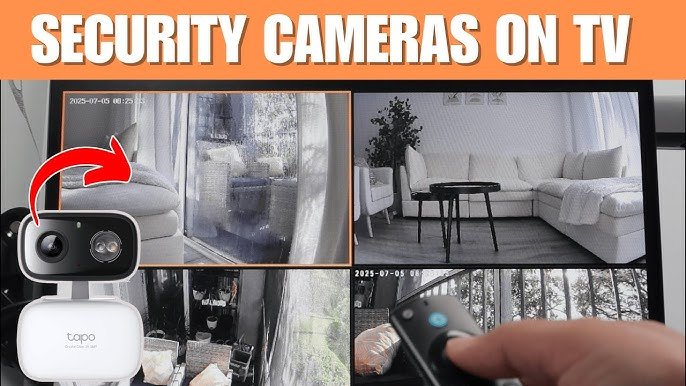
You can view multiple cameras on one screen with Smart TVs. This makes it easier to watch several areas at once. Split-screen or grid view options help keep track of all cameras. It improves your overall security awareness and response time.
Security And Privacy Considerations
Watching security cameras on a smart TV offers great convenience. Still, security and privacy deserve strong attention. Protecting your video feeds is key to keeping your home safe and private. Understanding some basic security measures helps prevent unauthorized access and data breaches.
Data Encryption
Data encryption scrambles camera feeds during transmission. This stops hackers from reading your video data. Most modern smart cameras use strong encryption methods. Check that your system supports encryption to keep data safe.
Access Controls
Access controls limit who can view your cameras. Use strong passwords and avoid sharing them. Many apps allow setting user permissions. Only trusted people should get access to your feeds.
Firmware Updates
Firmware updates fix security bugs and add protection. Regularly update the software on your smart TV and camera. Outdated systems are easy targets for hackers. Enable automatic updates to stay protected without effort.
Credit: www.techhive.com
Future Trends In Smart Tv Surveillance
Smart TVs are becoming central to home security. Watching security camera footage directly on these TVs is evolving rapidly. New technology makes it easier and smarter to monitor your home. The future holds many exciting changes in smart TV surveillance. These changes will improve how you see and control your security cameras.
Ai Integration
Artificial intelligence will help smart TVs recognize faces and objects. It will automatically alert you to unusual activity. AI can reduce false alarms by learning normal patterns. This makes your security system more innovative and more reliable. Expect smarter notifications and better video analysis soon.
Voice Control Features
Voice commands will let you control cameras hands-free. You can switch views or zoom in just by speaking. This adds convenience, especially when your hands are busy. Voice control will become more accurate and responsive. It will make watching cameras on your TV easier than ever.
Enhanced Connectivity
Better internet and Wi-Fi speeds will improve camera streaming. Multiple cameras can stream smoothly simultaneously. Smart TVs will seamlessly connect with more security devices. This creates a unified system for all your home security needs. Faster, stable connections will make real-time monitoring simple.
Credit: www.youtube.com
Frequently Asked Questions
Can you watch security cameras on smart TV?
Yes, you can watch security cameras on a smart TV using compatible apps, IP camera viewers, or by connecting your DVR/NVR system. Most smart TVs support popular security apps that allow easy live viewing.
Can I Stream Security Cameras On My Smart Tv?
Yes, you can stream security cameras on most Smart TVs. Use compatible apps or web browsers to connect your cameras. Ensure your camera system supports streaming on Smart TVs for smooth viewing.
What Apps Work For Viewing Cameras On Smart Tvs?
Popular apps like TinyCam, IP Cam Viewer, and manufacturer apps work well. These apps allow live streaming and playback directly on your Smart TV. Check app compatibility with your camera model before installation.
Do I Need Extra Hardware To Watch Cameras On Smart Tv?
Usually, no extra hardware is needed if your Smart TV supports the camera app. However, some setups may require a streaming device like Chromecast or Fire Stick for compatibility.
Is It Safe To Watch Security Cameras On A Smart Tv?
Yes, it is safe if you use secure connections and trusted apps. Always keep your Smart TV and camera firmware updated to prevent vulnerabilities and protect your privacy.
Conclusion
So, can you watch security cameras on smart TV? Yes—you absolutely can. Watching your security cameras on a smart TV is both easy and practical. Most modern smart TVs support apps that allow you to view your camera feeds clearly and instantly. All you need is the right app and a stable internet connection.
This setup lets you monitor your home or office anytime without buying extra monitors or devices. Simply connect your system, open the app, and watch live footage on the big screen. Smart TVs make security monitoring simple, convenient, and accessible for everyone. Try it out to enhance your safety and stay in control with ease.