Quick pick for the best indoor security cameras: the Reolink E1 Zoom is the best indoor camera for most homes: 4K, pan-tilt, optical zoom, free person and pet tracking, and free local storage. The eufy Indoor Cam and Tapo pan-tilt cameras are great cheaper picks with no monthly fee. Choose Blink Mini 2 or Nest Cam only if you already use Blink, Ring or Google Home.
How we put this guide together: written by Md. Enamul Arafath for TopSmartGear, using the makers’ specifications, independent expert reviews and verified owner feedback. This is a research-based review, not a hands-on test. Sources include Wyze’s official Cam v4 specs. Read how we review.
Best indoor security cameras: our picks at a glance
| Camera | Best for | Pan-tilt | Free recording | Price |
|---|---|---|---|---|
| Reolink E1 Zoom | Best overall | Yes, plus 3x optical zoom | Yes, microSD | Check current price |
| eufy Indoor Cam (C120 / S350) | Best value | S350 yes, C120 no | Yes, microSD | Check current price |
| TP-Link Tapo pan-tilt (C210 series) | Cheapest pan-tilt | Yes | Yes, microSD | Check current price |
| Wyze Cam v4 | Continuous recording on a budget | No | Yes, microSD (smart alerts need a plan) | Check current price |
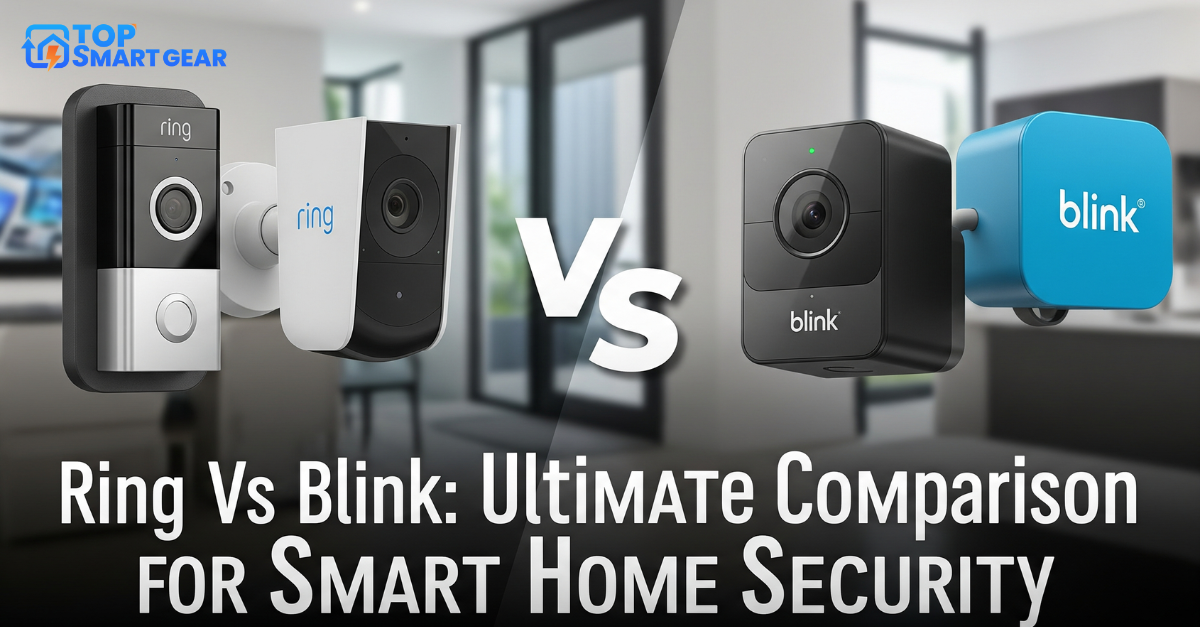
| Blink Mini 2 | Blink and Alexa homes | No | With Sync Module 2 + USB | Check current price |
| Google Nest Cam (indoor, wired) | Google Home users | No | 3 hours of cloud clips | Check current price |
1. Reolink E1 Zoom: best overall
4K video, 355° pan, tilt and a real 3x optical zoom mean one camera can cover a whole room and still read details. It follows people and pets automatically, records to a microSD card up to 512GB, and connects over dual-band Wi-Fi 6 or Ethernet. It needs a power outlet.
2. eufy Indoor Cam: best value
eufy’s indoor cameras record to microSD with free person and pet alerts. The C120 is a small fixed 2K camera at a very low price; the S350 adds pan-tilt and a dual-lens design with zoom for larger rooms.
3. Tapo pan-tilt cameras: cheapest way to cover a room
TP-Link’s Tapo C210-series cameras pan and tilt, record to microSD and include a privacy mode, at one of the lowest prices for a pan-tilt camera. Good for a living room or nursery.
4. Wyze Cam v4: budget continuous recording
A sharp 2.5K camera that can record 24/7 to a microSD card. Live view, motion and sound alerts are free, but person, pet and package alerts need Wyze’s Cam Plus plan.
5. Blink Mini 2: for Blink and Alexa homes
A cheap plug-in camera that works with Alexa and Echo Show screens. Recording needs a Blink plan or a Sync Module 2 with a USB drive. See Ring vs Blink for plan details.
6. Google Nest Cam (indoor): for Google Home users
Polished app, smart alerts and three hours of free event history, and it shows on Nest Hub displays. Longer history needs Google’s paid plan, and there’s no local storage.
Privacy tips for indoor cameras
- Use a privacy mode or schedule so the camera is off when you’re home.
- Don’t point cameras at bedrooms or bathrooms.
- Turn on two-factor sign-in and keep the camera’s firmware updated.
- Tell guests and babysitters a camera is recording.
Frequently asked questions
Can I use an indoor camera as a baby monitor?
Many parents do, using two-way audio and sound alerts, but a dedicated baby monitor works even when Wi-Fi drops. If you use a camera, choose one with local storage and night vision.
Can I see my indoor camera on an Echo Show?
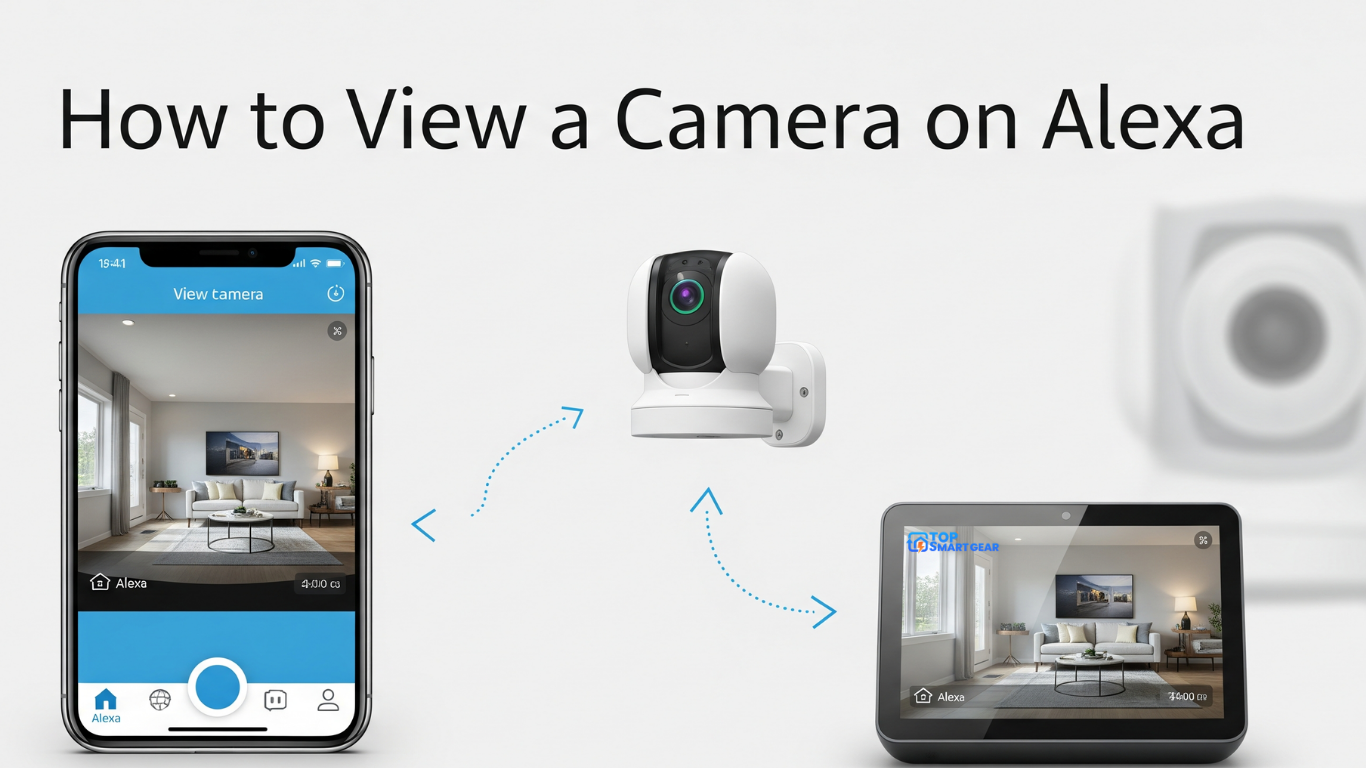
Yes, for most brands. See how to view your cameras on Alexa.
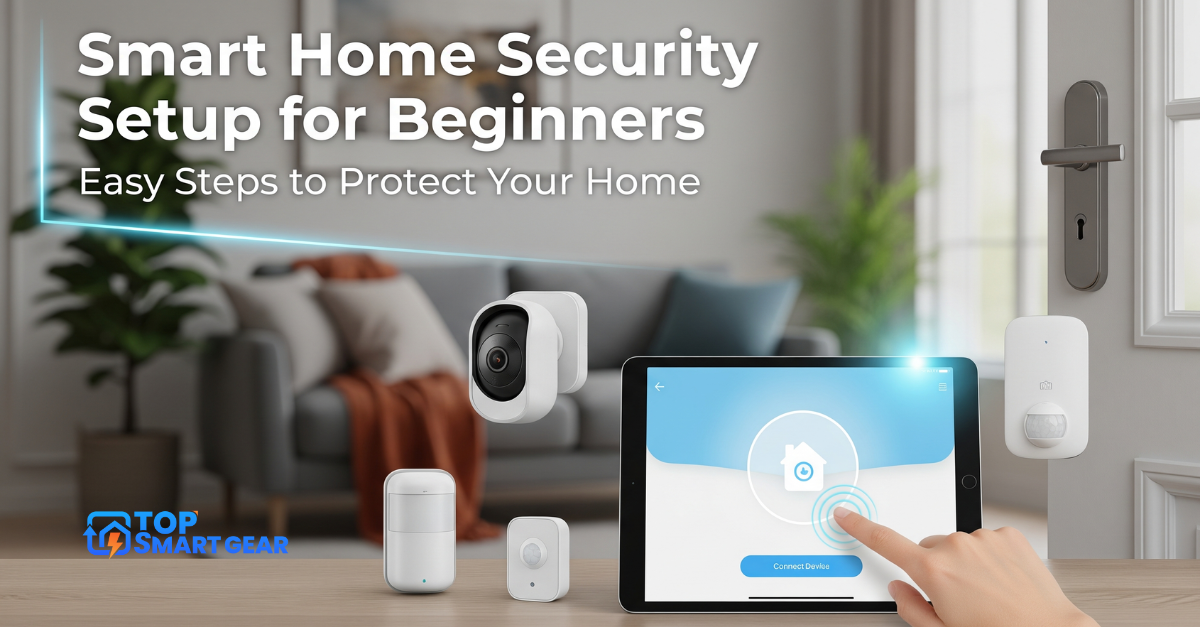
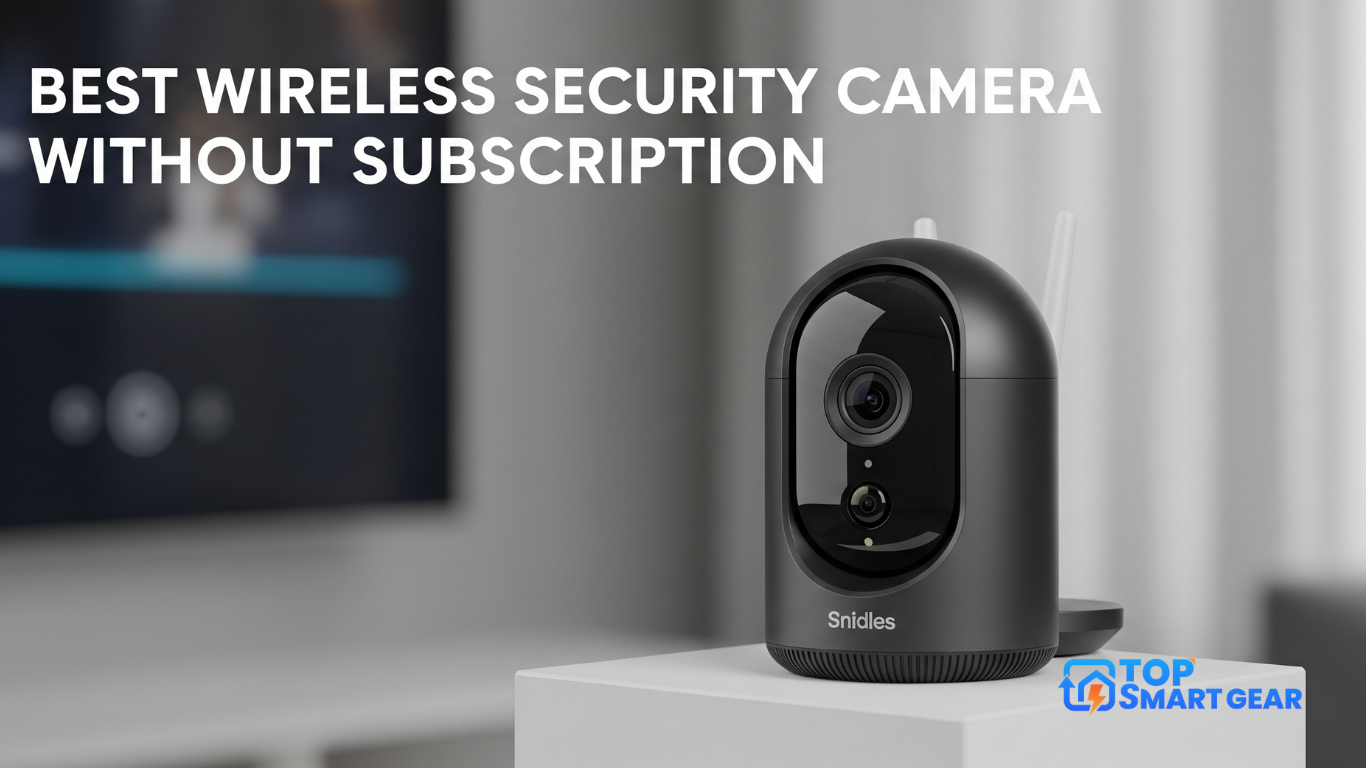
For outdoor coverage, see our best security cameras without a subscription and beginner’s security setup plan.
Comparing indoor and outdoor cameras together? Start with our best home security cameras guide.