Quick pick for the best home security cameras: for most homes, the Reolink Argus 4 Pro is the best security camera: 4K, a 180-degree view, color night vision and free smart alerts, with no monthly fee. On a budget, get the Wyze Cam v4. Indoors, the Reolink E1 Zoom covers a whole room. If you already use Alexa and Ring, the Ring Spotlight Cam Plus fits right in, but budget for a Ring plan to save video.
How we put this guide together: written by Md. Mehedi Hasan for TopSmartGear, using the makers’ specifications, independent expert reviews and verified owner feedback, and our own detailed guides linked below. We say clearly when a product has not been tested hands-on. This is a research-based guide, not a hands-on test. Sources include Ring’s official plans page. Read how we review.
Best home security cameras: our picks at a glance
| Camera | Best for | Indoor / outdoor | Power | Save video without a plan? |
|---|---|---|---|---|
| Reolink Argus 4 Pro | Best overall | Outdoor | Battery (solar option) | Yes, microSD |
| eufyCam S3 Pro | Whole-home system | Outdoor | Battery + built-in solar | Yes, HomeBase hub |
| Wyze Cam v4 | Best budget | Both | Plug-in | Yes, microSD (smart alerts need a plan) |
| Reolink E1 Zoom | Best indoor | Indoor | Plug-in | Yes, microSD |
| Ring Spotlight Cam Plus | Ring and Alexa homes | Outdoor | Battery or plug-in | No, needs Ring Home |
| Blink Outdoor 4 | Longest battery life | Outdoor | AA lithium batteries | Yes, with Sync Module 2 + USB drive |
| Google Nest Cam | Google homes | Both (by model) | Battery or wired | Short free event history only |
1. Reolink Argus 4 Pro: best overall
Two lenses combine into one 4K, 180-degree image, so a single camera can watch a whole side of a house. Its color night vision works without switching on a spotlight, and person, vehicle and animal alerts are free. Clips save to a microSD card (bought separately). Battery life drops in cold weather and busy spots, so consider the solar panel. Full details in our guide to security cameras without a subscription.
2. eufyCam S3 Pro: best whole-home system
Instead of a memory card in every camera, eufy cameras save to the HomeBase S380 hub inside your home, which takes a hard drive or SSD for lots of storage. The S3 Pro records 4K, is IP67 weatherproof and has a built-in solar panel. It costs more up front, but no features are held back behind a plan. Best if you plan several cameras and a eufy doorbell.
3. Wyze Cam v4: best budget camera
For a low price, the Wyze Cam v4 records sharp 2.5K video, has color night vision and a siren, and works indoors or outdoors. It can record around the clock to a microSD card. Live view and basic motion alerts are free; person, pet and package alerts need Wyze’s Cam Plus plan. Compare it with Blink’s cheapest camera in our gifts under $50 guide.
4. Reolink E1 Zoom: best indoor camera
4K video, a camera that pans and tilts to cover a whole room, and a real 3x optical zoom. It follows people and pets automatically and records to microSD, with no fee. For pet cams, nurseries and cheaper options, see our best indoor security cameras guide.
5. Ring Spotlight Cam Plus: best for Ring and Alexa homes
Two motion-activated spotlights and a siren make it a good deterrent for driveways and dark yards, and it shows up on Echo Show screens. Video is 1080p with color night vision. The catch: saving and replaying video needs a paid Ring Home plan. Read our Ring Spotlight Cam Plus review, or the smaller Ring Outdoor Cam for porches and garages. Ring has since released the Spotlight Cam (2nd Gen) with Retinal 2K video, which is the better buy new; see our Spotlight Cam review.
6. Blink Outdoor 4: longest battery life
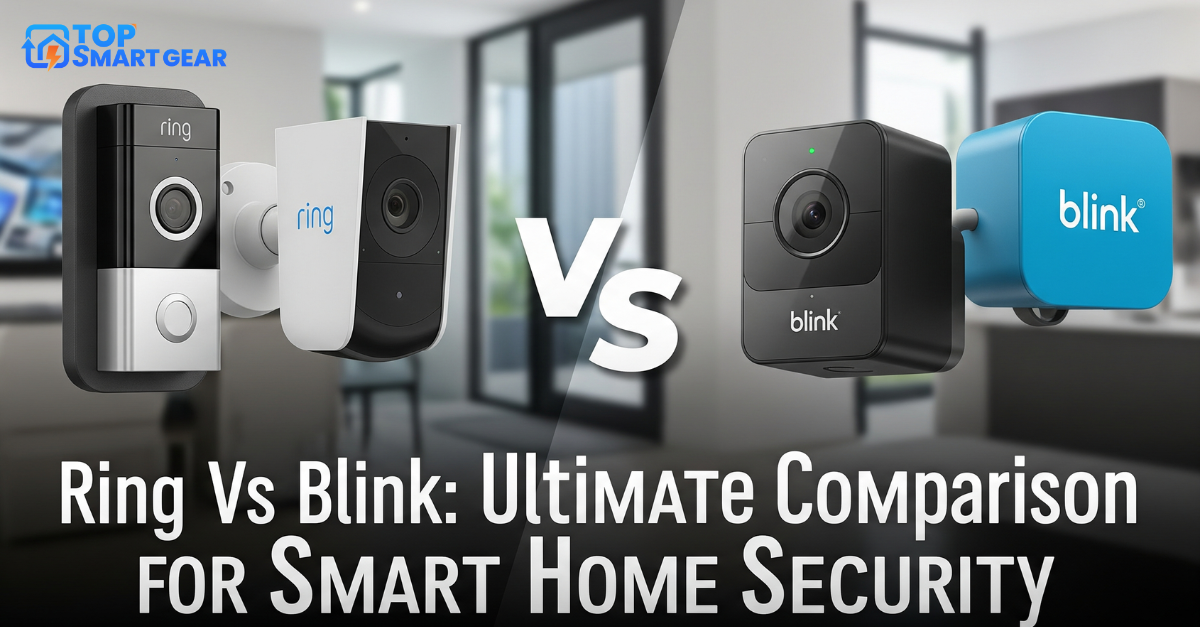
Blink’s outdoor cameras run for up to about two years on AA lithium batteries (Blink’s own rating), so you can mount them and forget them. With a Sync Module 2 and a USB drive, motion clips save locally without a plan. Video is 1080p, so it’s less detailed than Ring or Reolink. See Ring vs Blink for the full comparison.
7. Google Nest Cam: best for Google homes
Nest Cams have a polished app and smart alerts, and they show on Nest Hub displays. Free use includes only a few hours of event history, and there’s no local storage, so most owners add Google’s paid plan. Choose Nest only if your home already runs on Google Home.
Head-to-head comparisons and reviews: eufy vs Ring, Blink Mini 2 vs Wyze Cam v4, Ring vs Blink, Arlo Pro 5S 2K review and Ring Floodlight Cam review.
More camera guides: best outdoor security cameras, best solar security cameras, our eufyCam S3 Pro review, Arlo vs eufy and Nest Doorbell vs Ring.
How to choose a security camera
- Count the monthly fees. A cheap camera can cost more over two years than one with free local storage. Ask: can I save and replay video without paying?
- Battery or plug-in? Battery cameras go anywhere but need recharging; plug-in and wired cameras never run flat and can record 24/7.
- Resolution and field of view. 2K or 4K helps you read faces and plates; a wider view covers more with fewer cameras.
- Night vision. Color night vision (or a built-in spotlight) gives far more useful night footage than black-and-white infrared.
- Match your assistant. Ring and Blink suit Alexa; Nest suits Google Home. Reolink, eufy, Tapo and Wyze work with both.
Where to put your cameras
- Front door first. Most visitors and package deliveries happen here; a video doorbell often does this job best.
- Driveway and back door next, mounted about 7 to 9 feet high and angled down.
- Main indoor room covering the path between doors, not bedrooms or bathrooms.
- Check Wi-Fi at each spot before mounting; weak signal is the top cause of missed clips.
Building a full system? Follow our 5-step smart home security plan.
Frequently asked questions
Do I need a subscription for a home security camera?
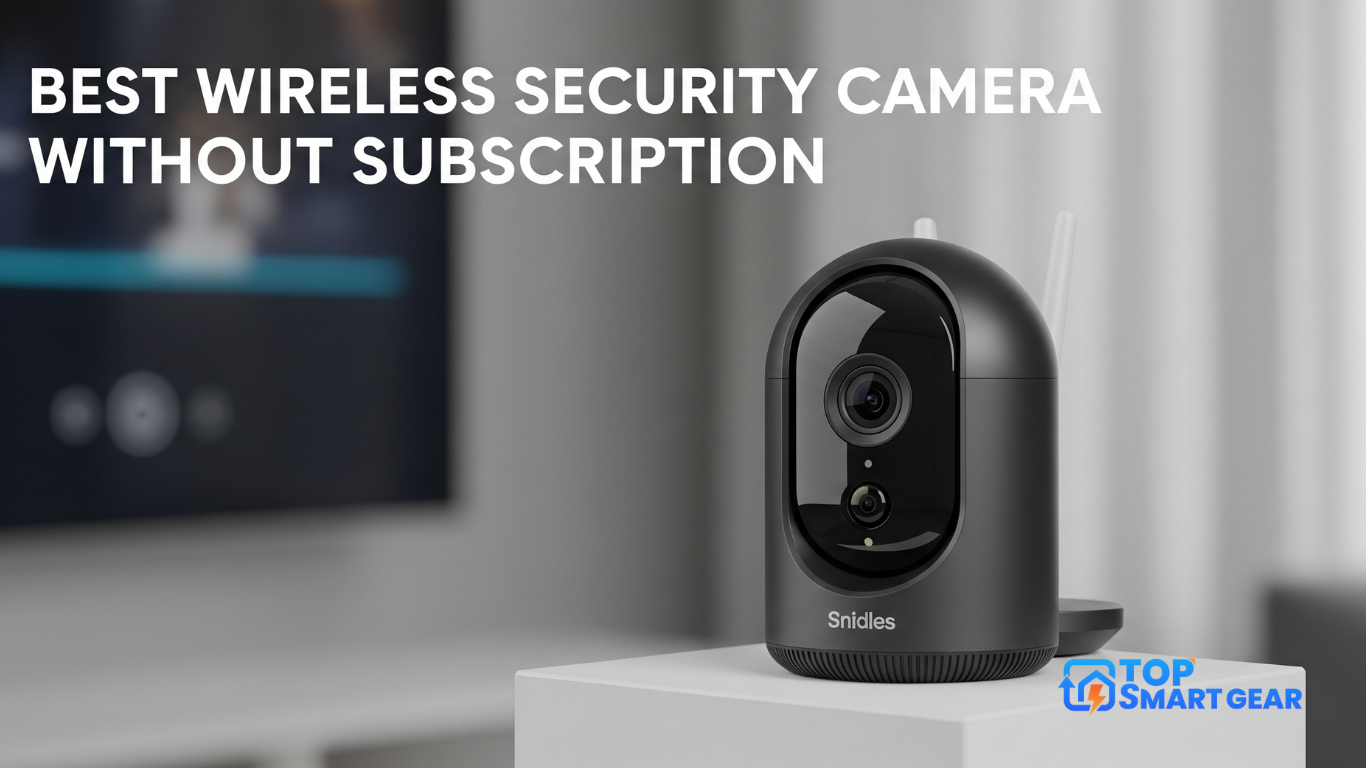
Not always. Reolink, eufy, Wyze and Tapo cameras can save video locally for free. Ring and Nest cameras need a paid plan to save and replay video.
Can I watch my cameras on an Echo Show or TV?
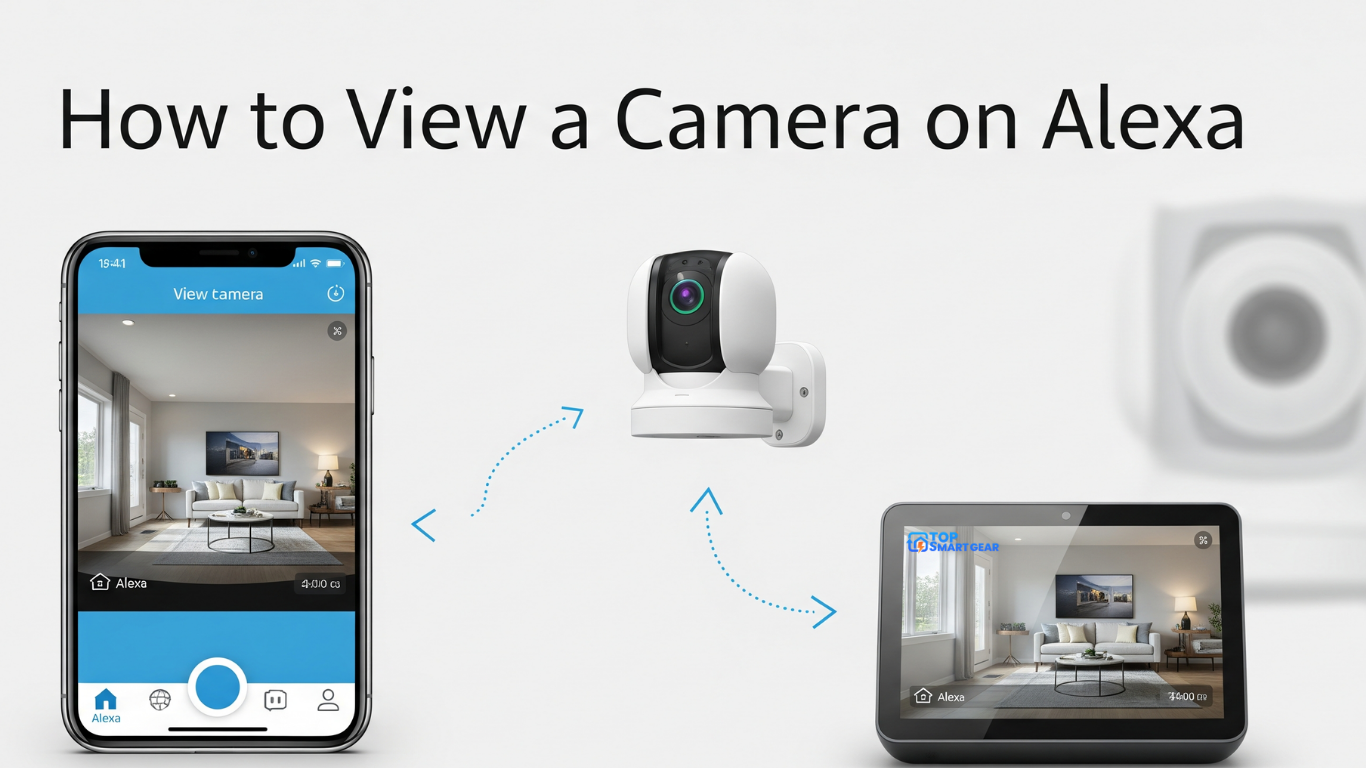
Yes, most brands work with Alexa. See how to view your security camera on Alexa, including on Fire TV.
Is it legal to record outside my home?
Recording your own property is generally allowed, but rules on audio recording and filming neighbors vary by state and country. Avoid pointing cameras into neighbors’ windows or yards, and check your local laws.
When is the best time to buy?
Security cameras are among the most discounted items on Black Friday (November 27) and Cyber Monday (November 30). We’ll post prices on our Black Friday smart home deals page from November 20.
On a budget? See our best budget security cameras, with six picks under $40.